Templates
SaaS Dashboard template
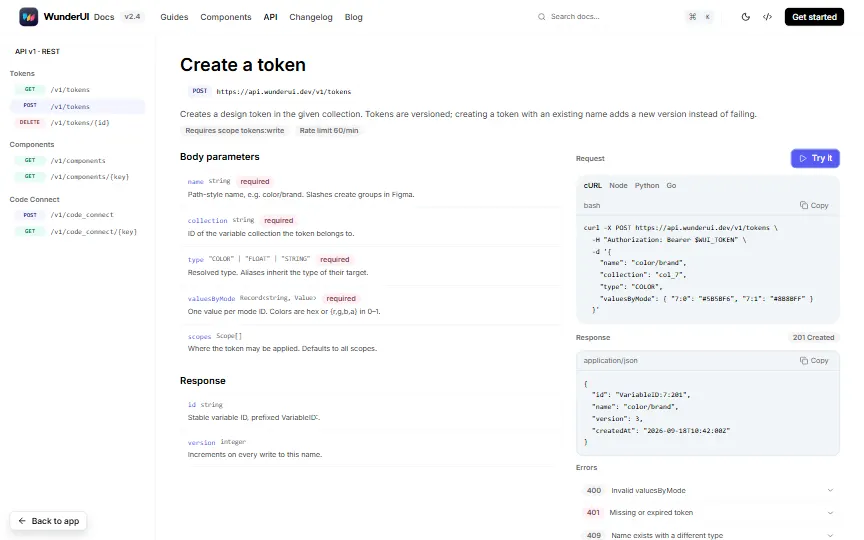
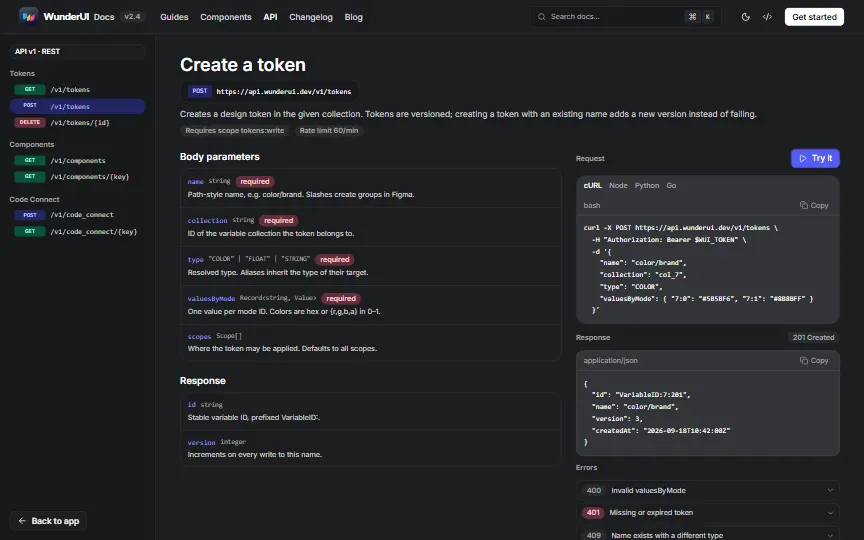
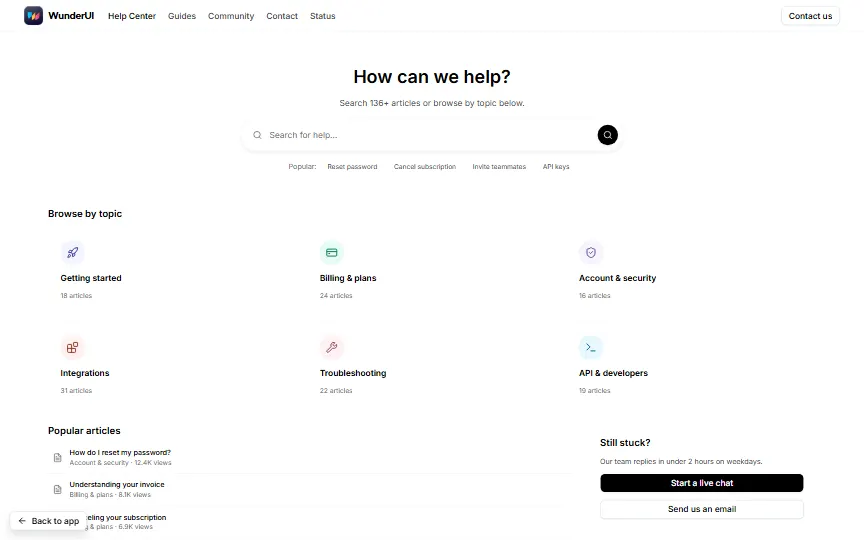
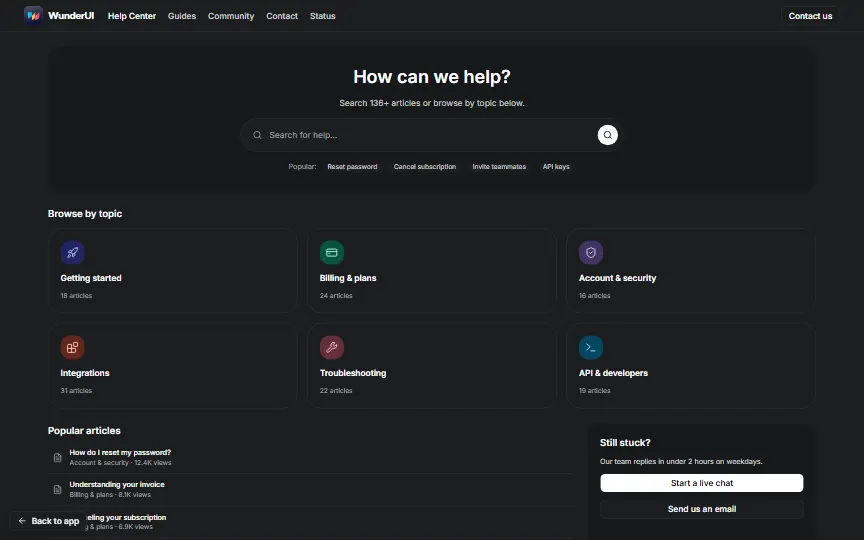
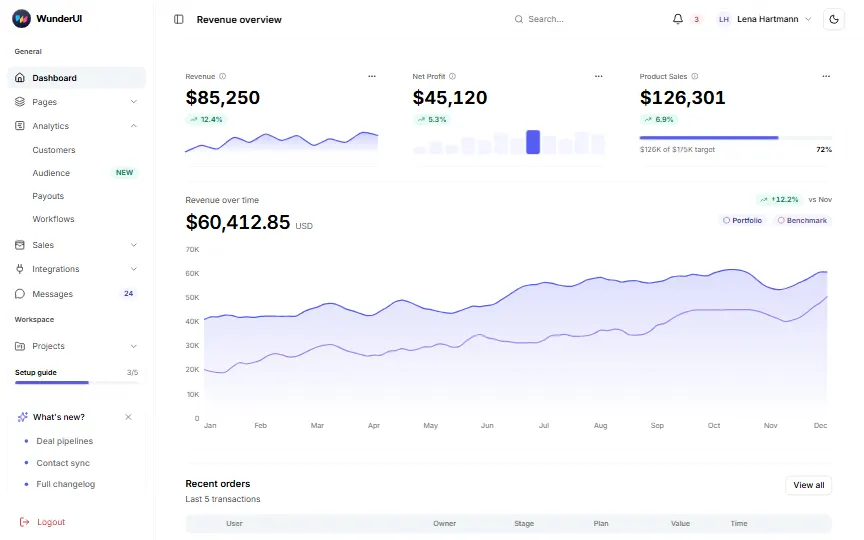
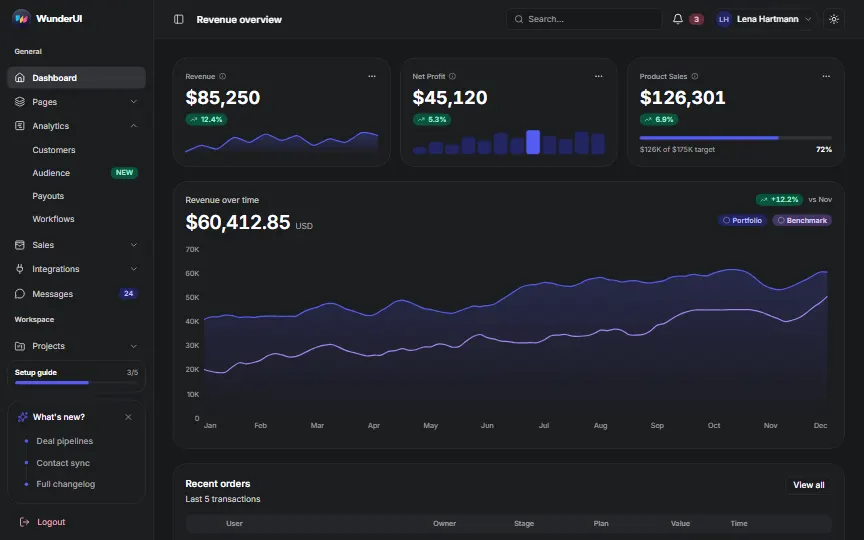
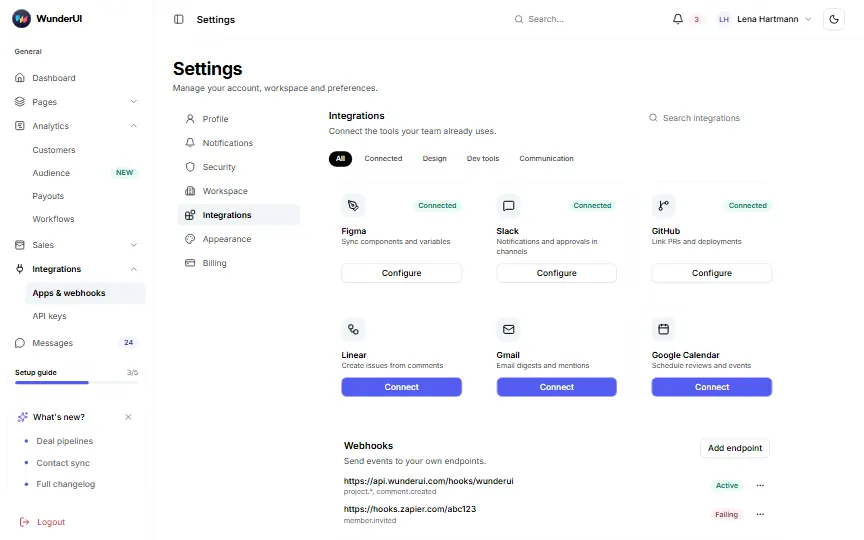
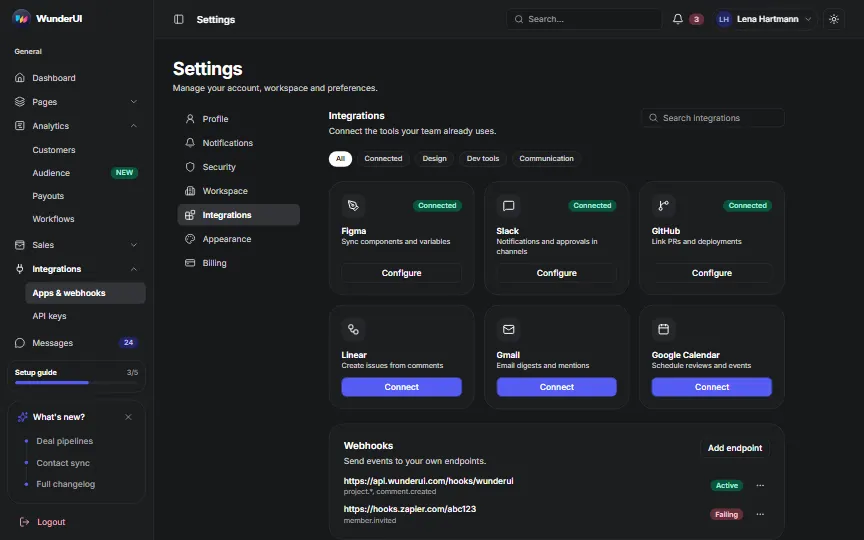
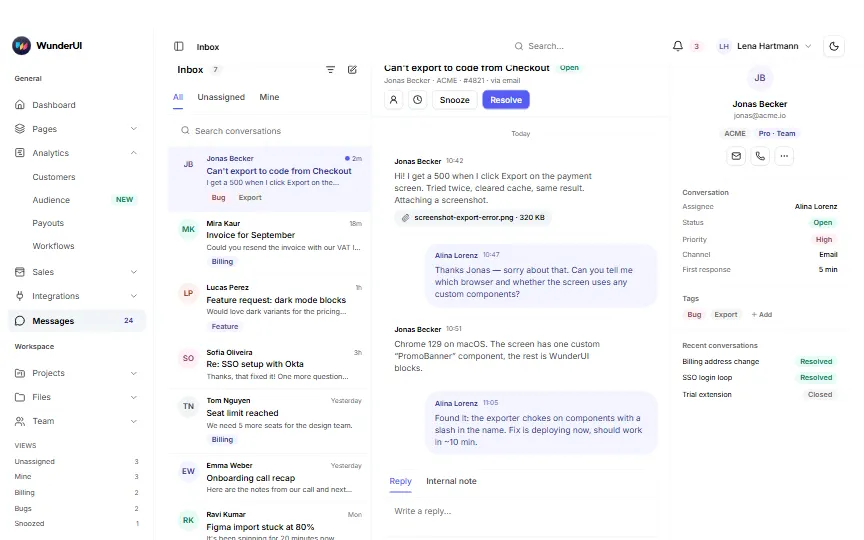
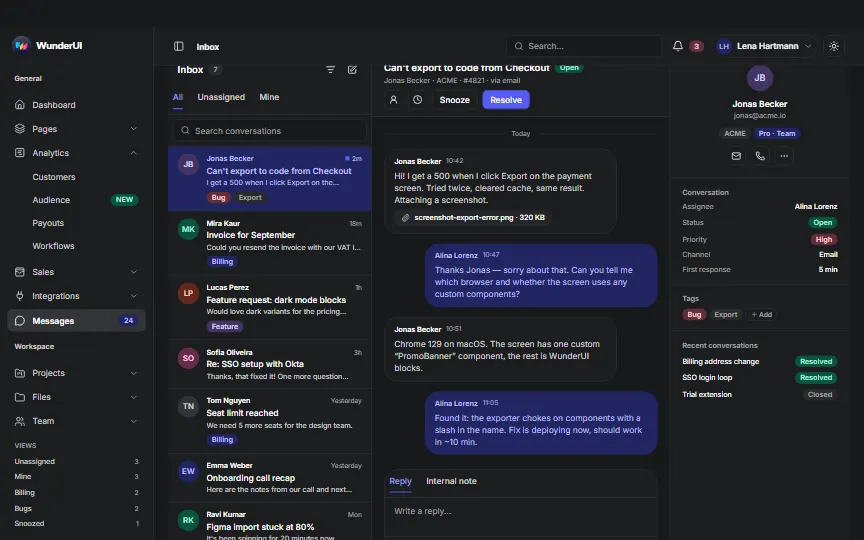
A whole SaaS app on the Analytics Dashboard app shell: 18 analytics dashboards across Dashboard, Pages, Analytics and Sales, then integrations, messages, projects, files, team, activity, search, notifications, profile, billing, settings, API docs and help. Every sidebar row opens a real page. Search opens the command palette (⌘K), the bell shows notifications, the account menu holds Upgrade and the light / dark switch, and the setup guide sits in the sidebar.
90 screens · 21 areas · one app shell · light, dark and mobile
All names, numbers and files are sample data. No backend, payment or identity provider is connected.
General22 screens
Pages7 screens
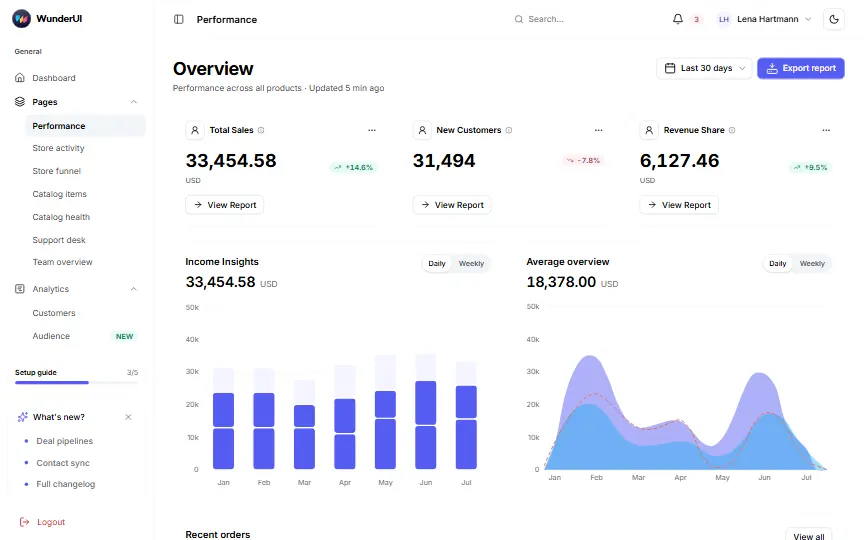
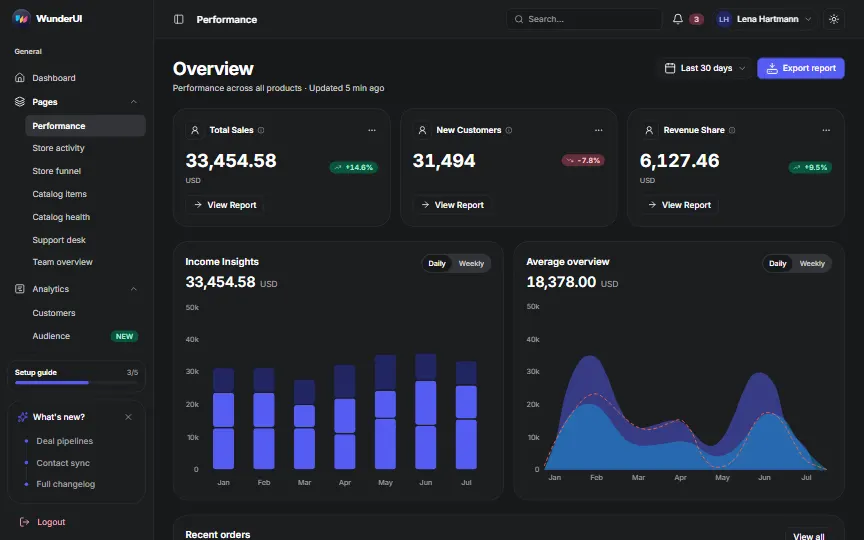
- PerformanceKPI cards, income insights and recent orders(opens the live demo in a new tab)
- Store activitySessions by step, channels and regions(opens the live demo in a new tab)
- Store funnelSales, campaigns, purchase funnel and sources(opens the live demo in a new tab)
- Catalog itemsEvery kit and template with price and status(opens the live demo in a new tab)
- Catalog healthWeekly revenue, catalog health and devices(opens the live demo in a new tab)
- Support deskRevenue, team on duty and conversations(opens the live demo in a new tab)
- Team overviewTeam size, hires and exits, eNPS(opens the live demo in a new tab)
Analytics4 screens
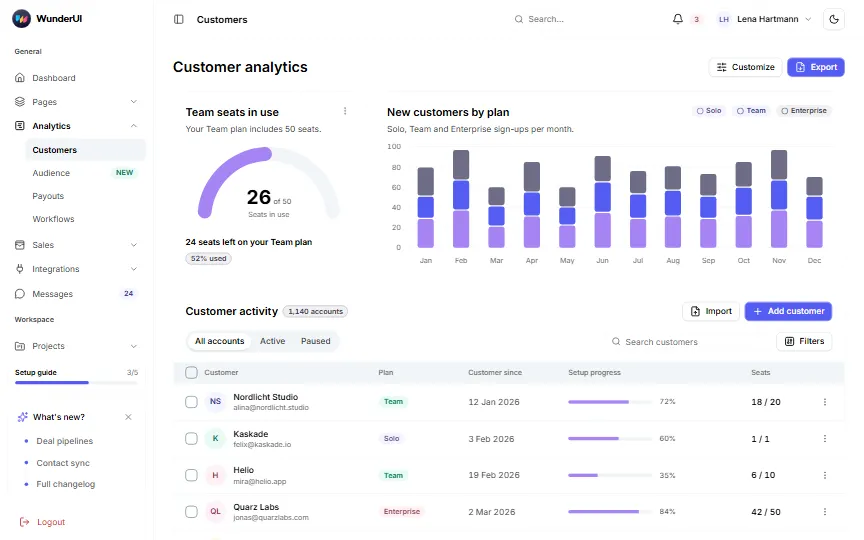
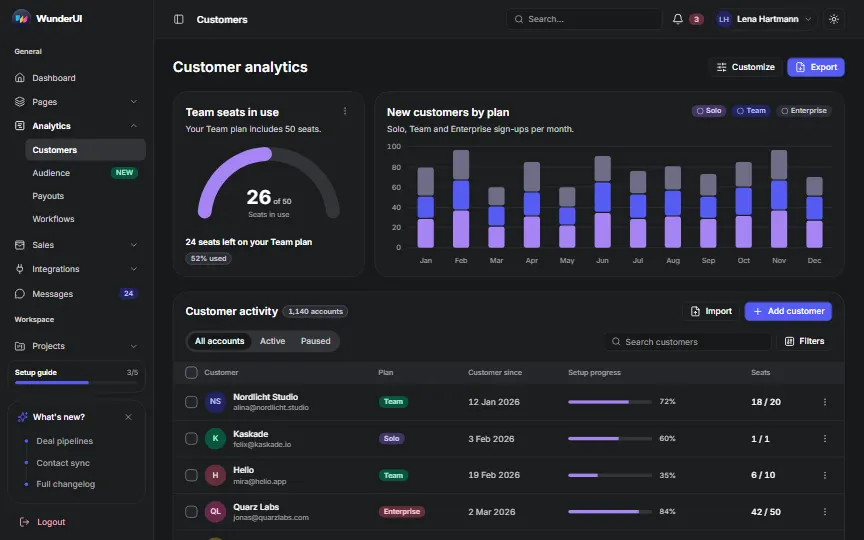
- CustomersSeats, new customers by plan and accounts(opens the live demo in a new tab)
- AudienceTotal revenue and buyers by country(opens the live demo in a new tab)
- PayoutsCreator payouts, fees and bonuses(opens the live demo in a new tab)
- WorkflowsLive events, orders per month and the event stream(opens the live demo in a new tab)
Sales6 screens
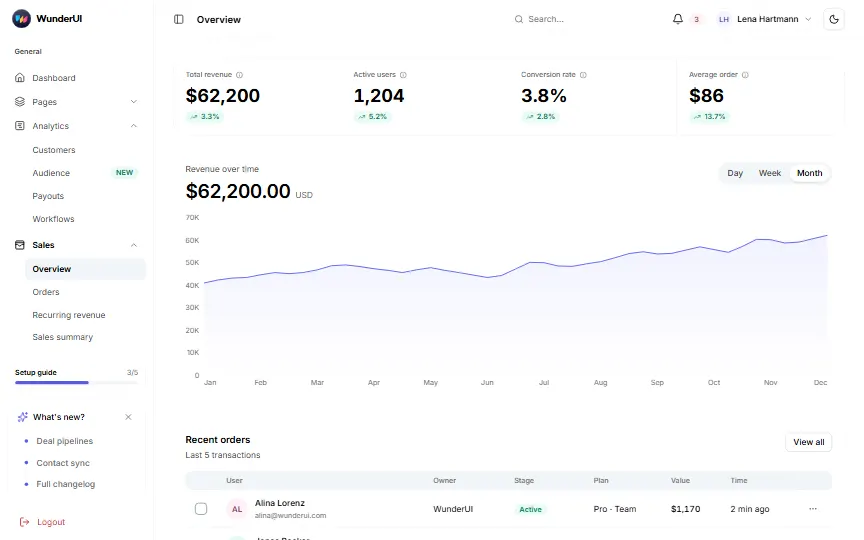
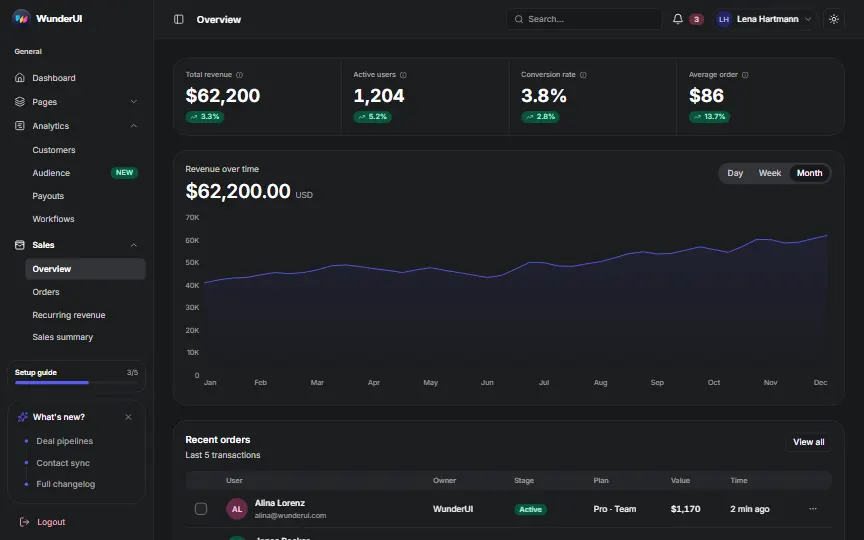
- OverviewKPI row, revenue over time and recent orders(opens the live demo in a new tab)
- OrdersOrder KPIs and the revenue mix(opens the live demo in a new tab)
- Recurring revenueMRR and what needs attention(opens the live demo in a new tab)
- Sales summaryRevenue trend, balance and top products(opens the live demo in a new tab)
- InvoicesCollected vs. outstanding and the invoice table(opens the live demo in a new tab)
- DealsRevenue, meetings, retention and at-risk deals(opens the live demo in a new tab)
Messages1 screen
Workspace28 screens
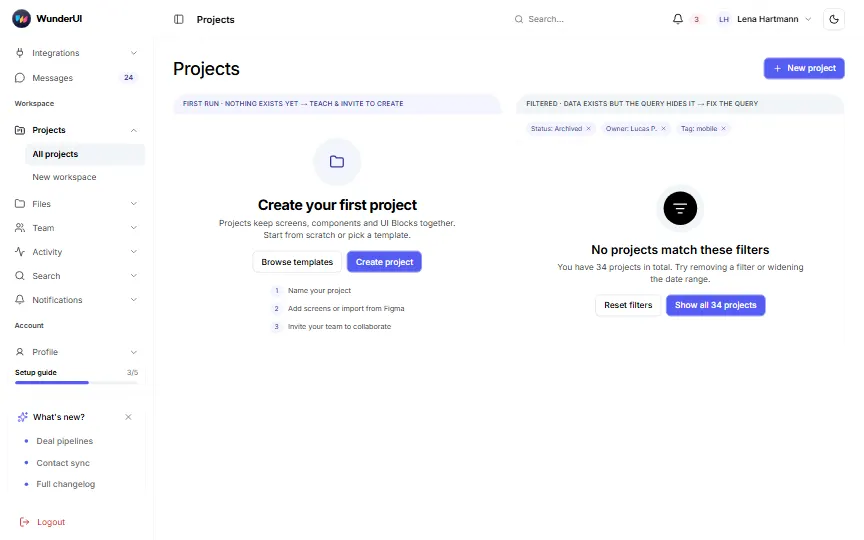
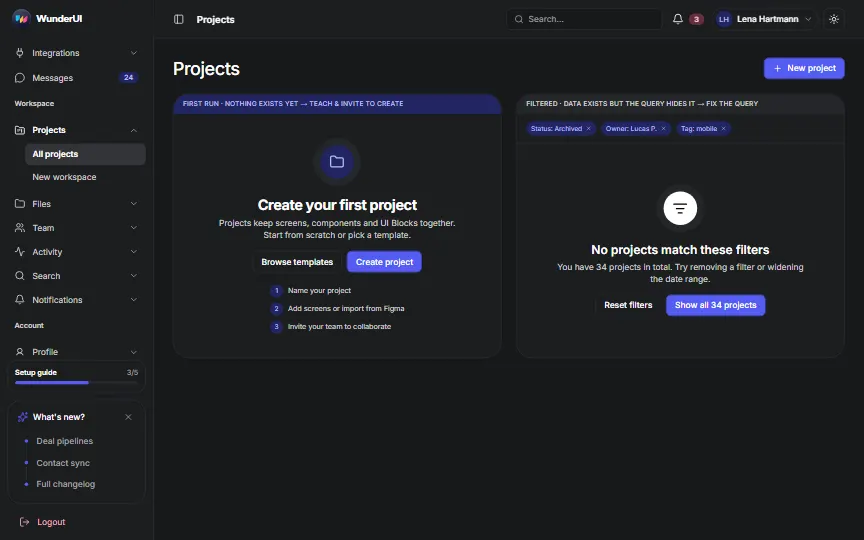
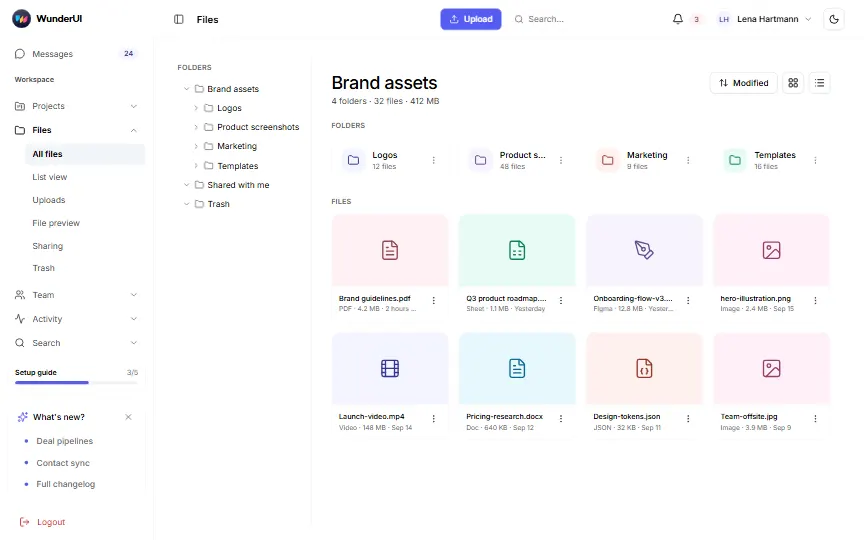
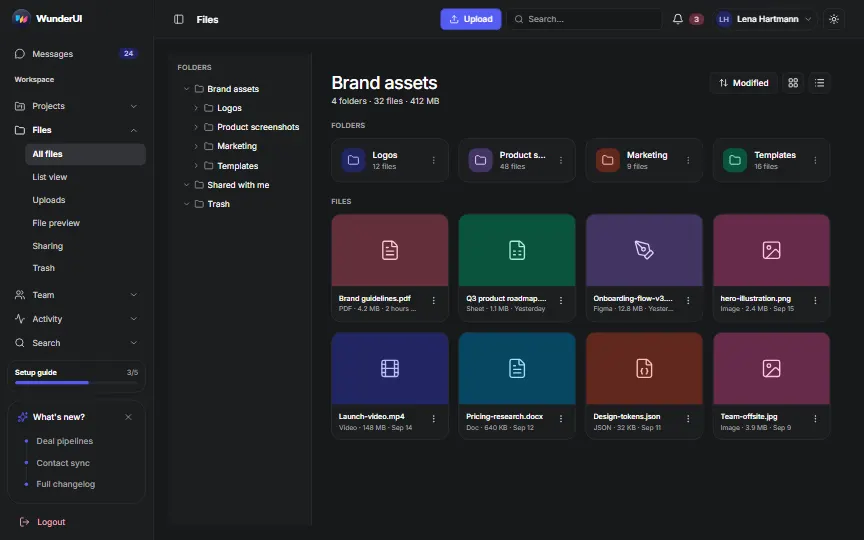
Files6 screens
- All filesGrid view with folder tree(opens the live demo in a new tab)
- List viewList with a details panel(opens the live demo in a new tab)
- UploadsUpload progress panel(opens the live demo in a new tab)
- File previewPreview with zoom and file info(opens the live demo in a new tab)
- SharingShare and permissions dialog(opens the live demo in a new tab)
- TrashRestore or delete for good(opens the live demo in a new tab)
Team6 screens
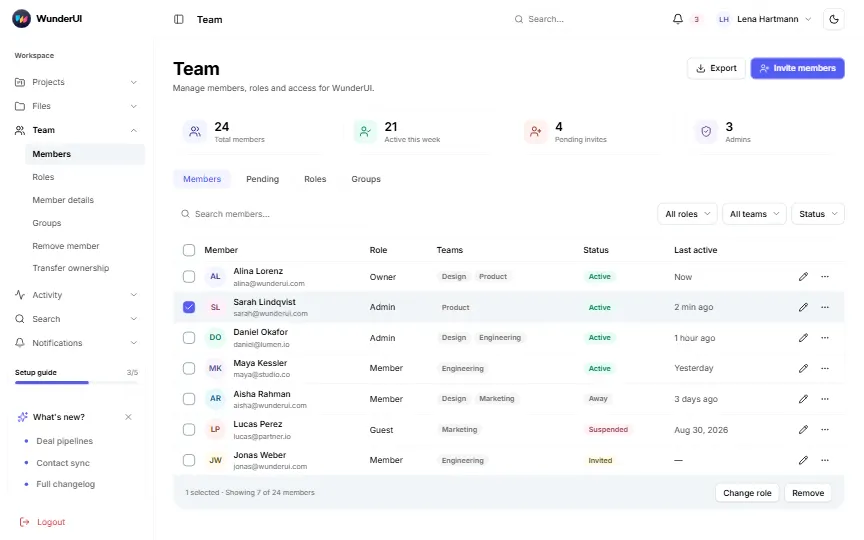
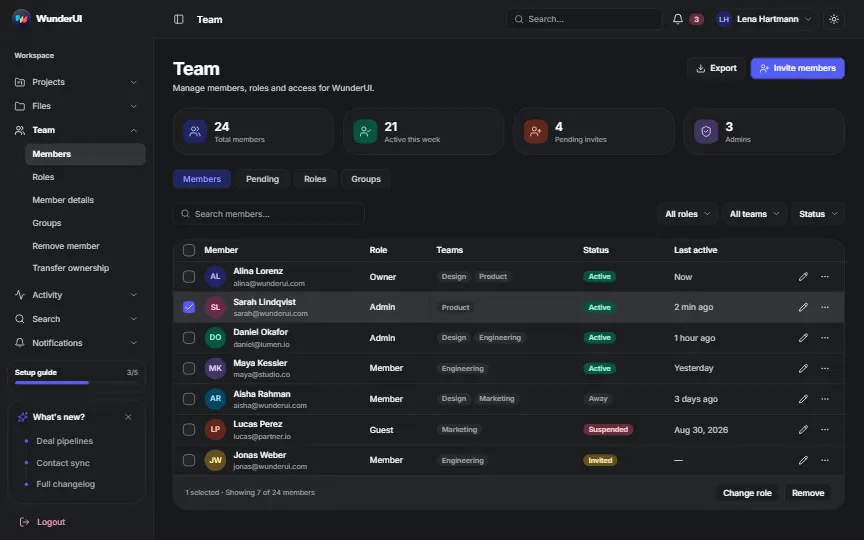
- MembersDirectory with filters and bulk actions(opens the live demo in a new tab)
- RolesRoles and permissions matrix(opens the live demo in a new tab)
- Member detailsMember drawer with role and access(opens the live demo in a new tab)
- GroupsGroups with members(opens the live demo in a new tab)
- Remove memberConfirm and hand over work(opens the live demo in a new tab)
- Transfer ownershipThree-step ownership transfer(opens the live demo in a new tab)
Activity5 screens
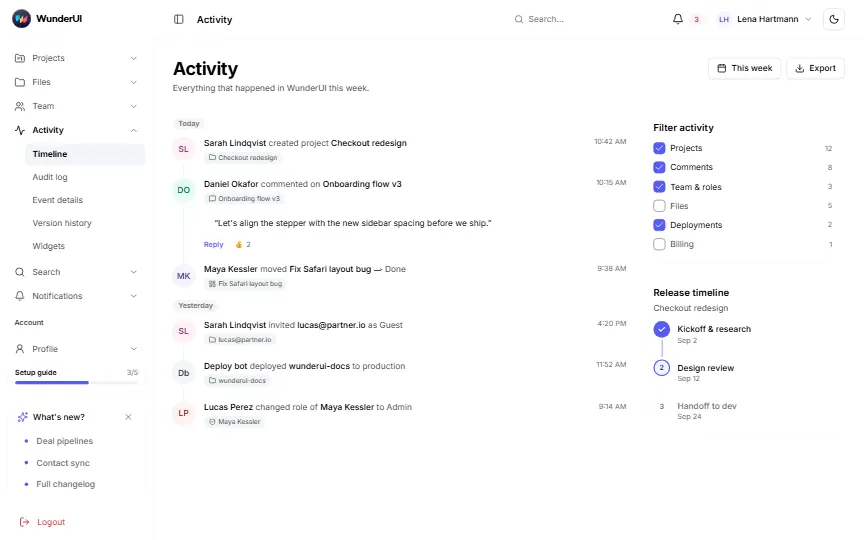
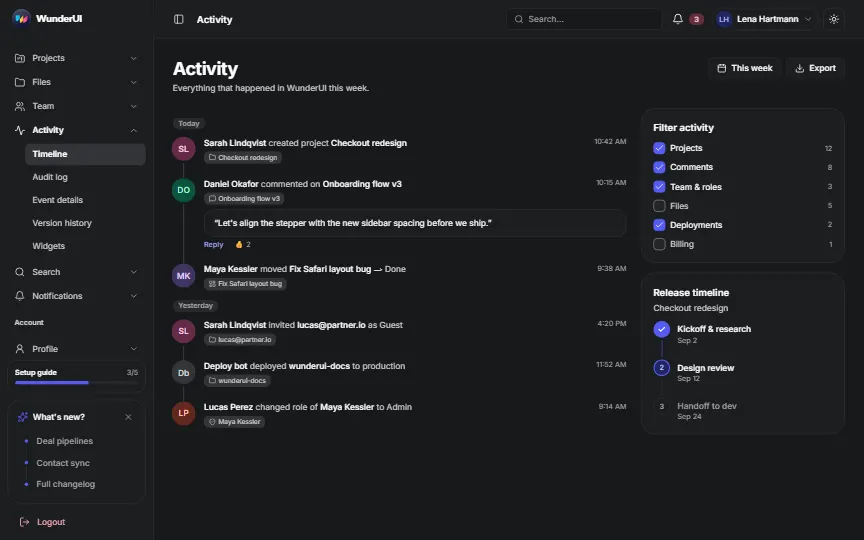
- TimelineTeam activity with filters(opens the live demo in a new tab)
- Audit logSecurity events with search(opens the live demo in a new tab)
- Event detailsOne event in a drawer(opens the live demo in a new tab)
- Version historyHistory of one document(opens the live demo in a new tab)
- WidgetsCompact activity widgets(opens the live demo in a new tab)
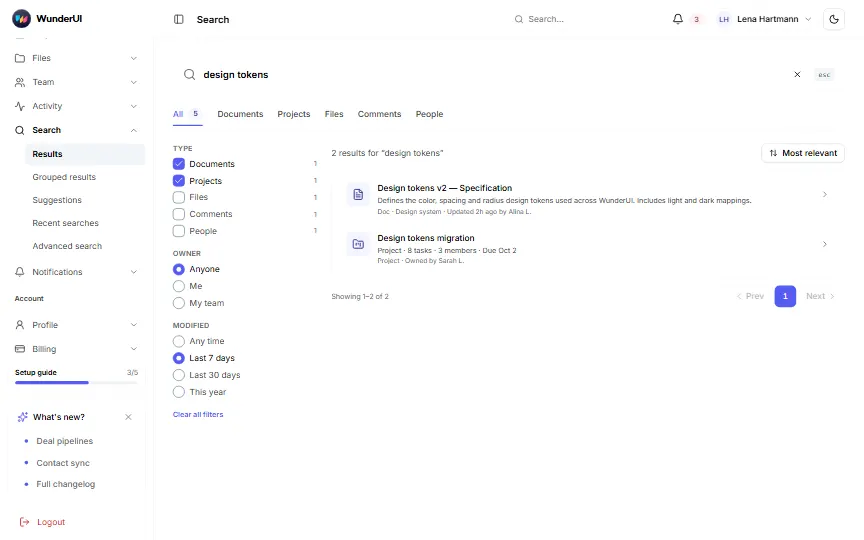
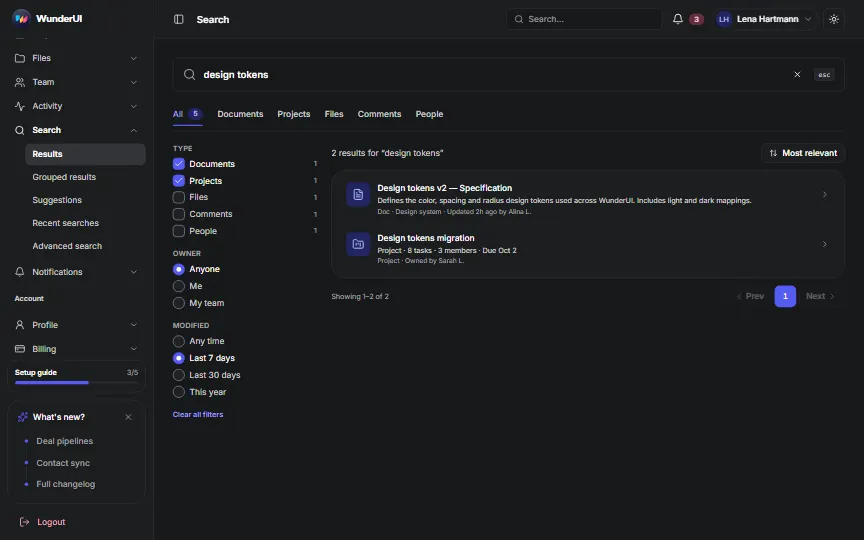
Search5 screens
- ResultsResults with facets(opens the live demo in a new tab)
- Grouped resultsResults by type, with an empty group(opens the live demo in a new tab)
- SuggestionsTypeahead while you type(opens the live demo in a new tab)
- Recent searchesRecent and saved searches(opens the live demo in a new tab)
- Advanced searchQuery builder(opens the live demo in a new tab)
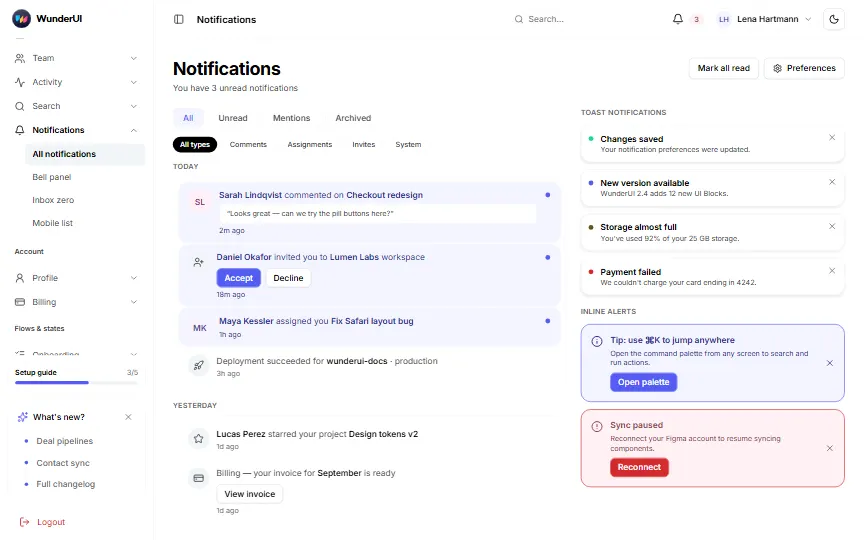
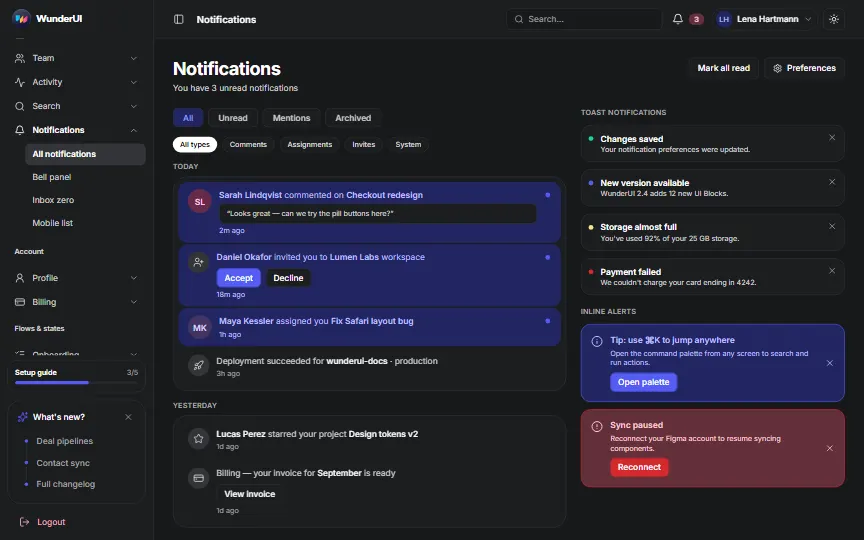
Notifications4 screens
Account12 screens
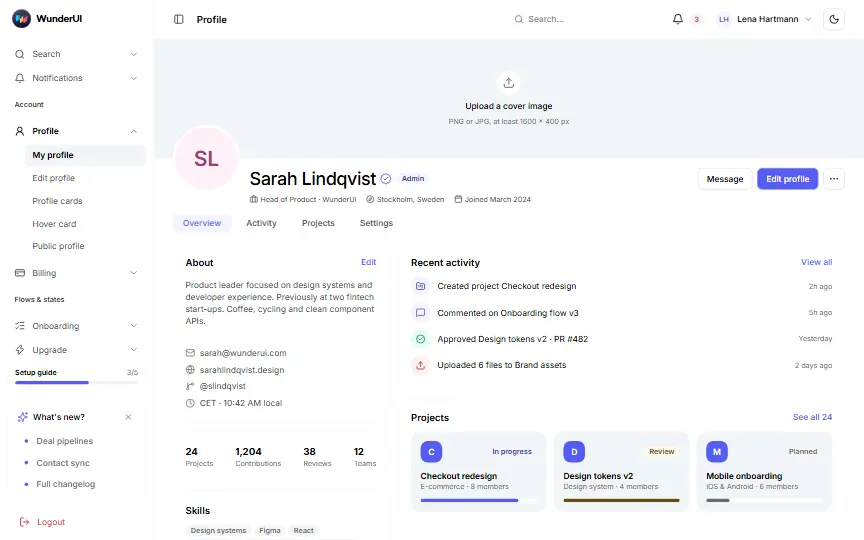
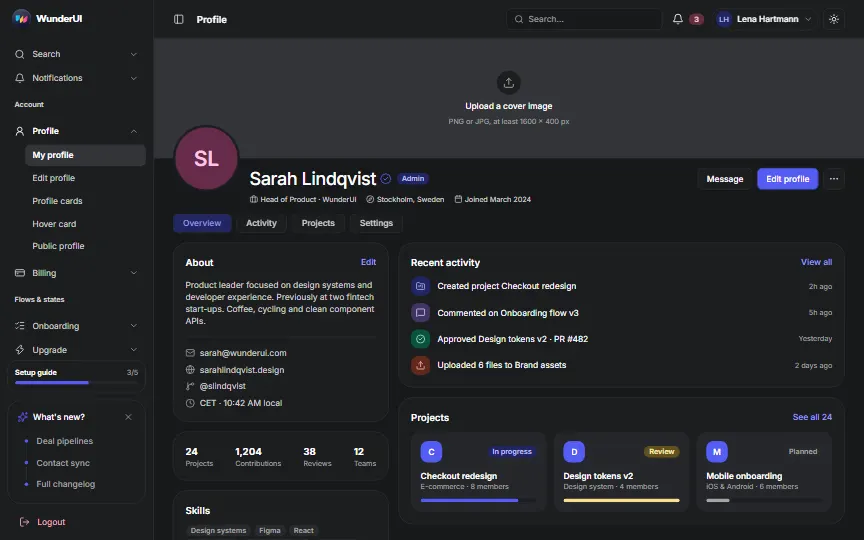
Profile5 screens
- My profileProfile page with cover(opens the live demo in a new tab)
- Edit profileEdit profile dialog(opens the live demo in a new tab)
- Profile cardsCompact, cover and row cards(opens the live demo in a new tab)
- Hover cardProfile on hover(opens the live demo in a new tab)
- Public profileWhat visitors see, logged out(opens the live demo in a new tab)
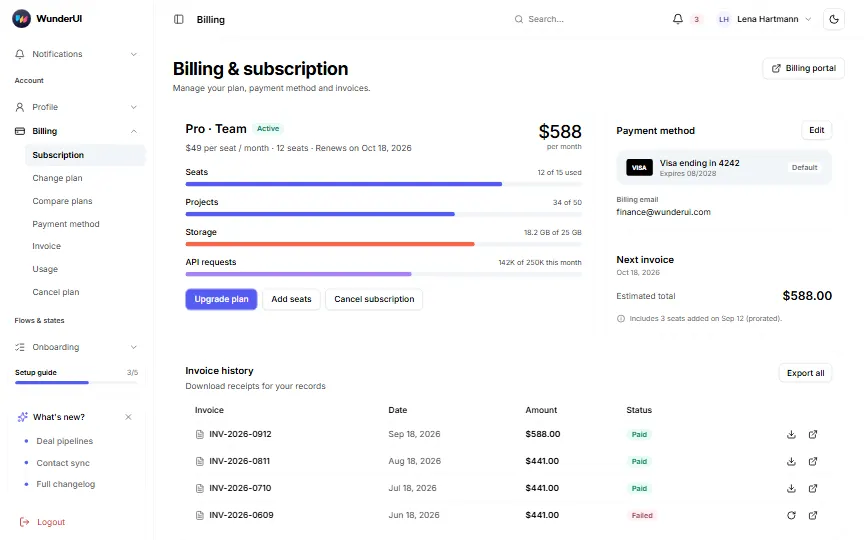
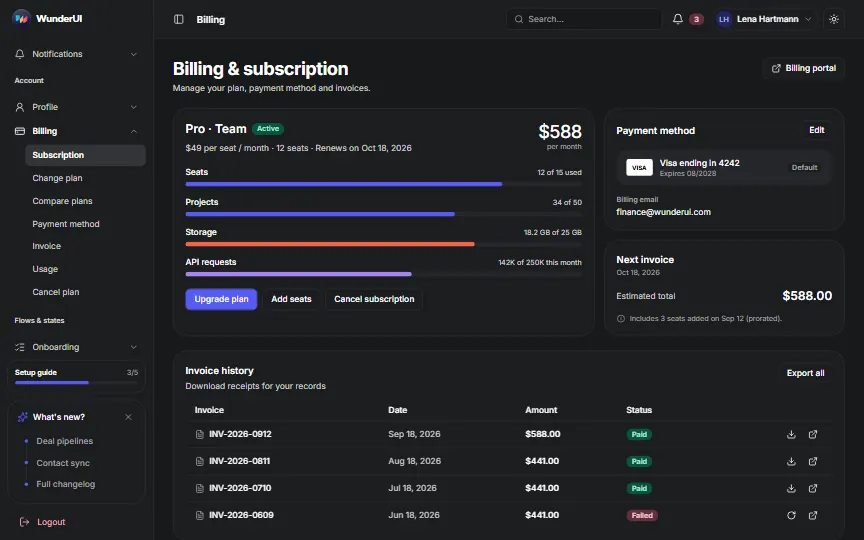
Billing7 screens
- SubscriptionPlan, usage and invoices(opens the live demo in a new tab)
- Change planPlans with a yearly toggle(opens the live demo in a new tab)
- Compare plansPricing comparison table(opens the live demo in a new tab)
- Payment methodAdd a card(opens the live demo in a new tab)
- InvoiceInvoice detail(opens the live demo in a new tab)
- UsageUsage-based billing(opens the live demo in a new tab)
- Cancel planCancel with a retention offer(opens the live demo in a new tab)
Flows & states18 screens
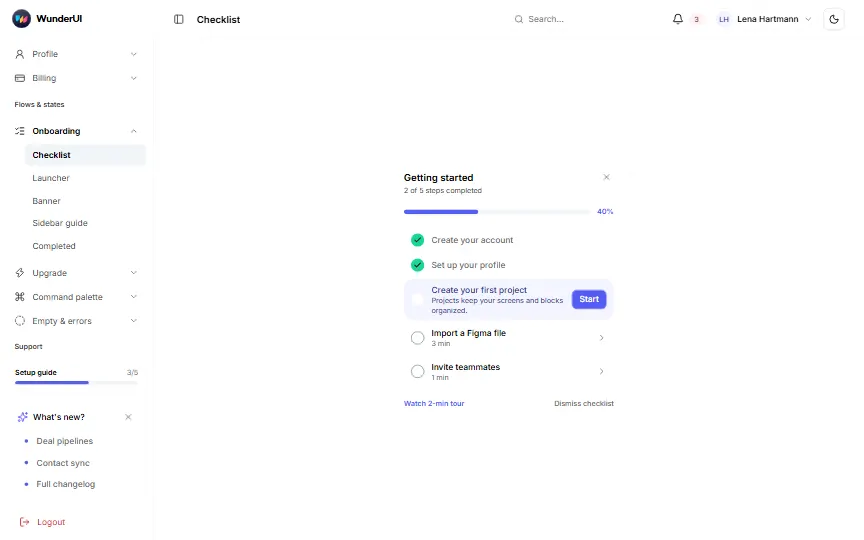
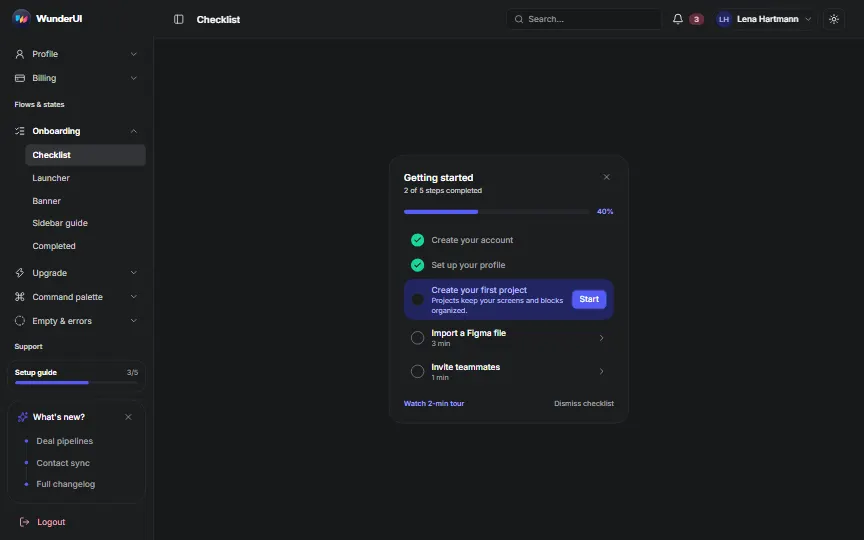
Onboarding5 screens
- ChecklistGetting-started card(opens the live demo in a new tab)
- LauncherFloating launcher with popover(opens the live demo in a new tab)
- BannerInline progress banner(opens the live demo in a new tab)
- Sidebar guideSetup guide pill in the sidebar(opens the live demo in a new tab)
- CompletedCelebration state(opens the live demo in a new tab)
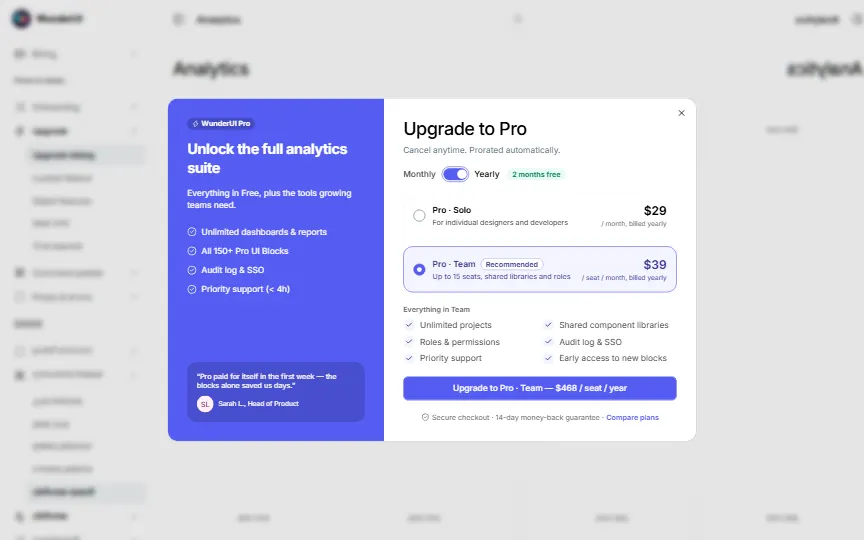
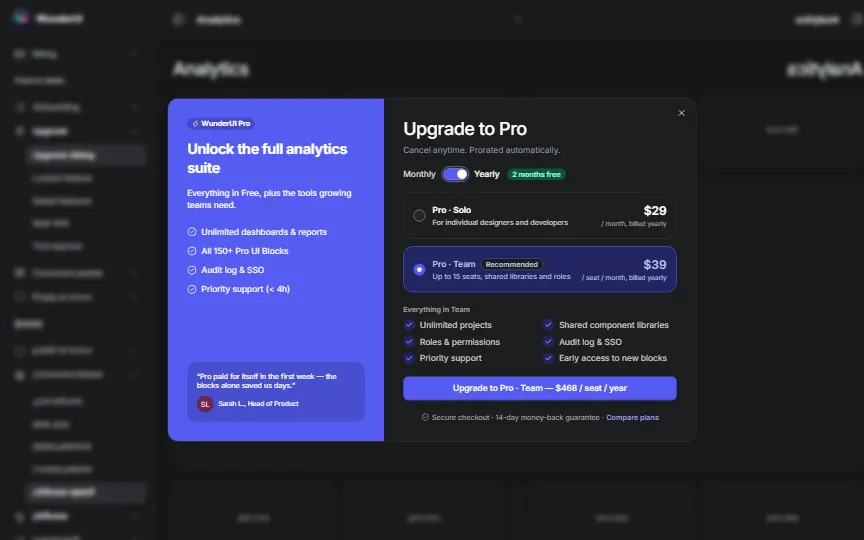
Upgrade5 screens
- Upgrade dialogPlan choice with a billing toggle(opens the live demo in a new tab)
- Locked featureTrial banner and sidebar upsell(opens the live demo in a new tab)
- Gated featuresLocked tools and a usage limit(opens the live demo in a new tab)
- Seat limitAdd seats or free one up(opens the live demo in a new tab)
- Trial expiredFull-page Free vs. Pro(opens the live demo in a new tab)
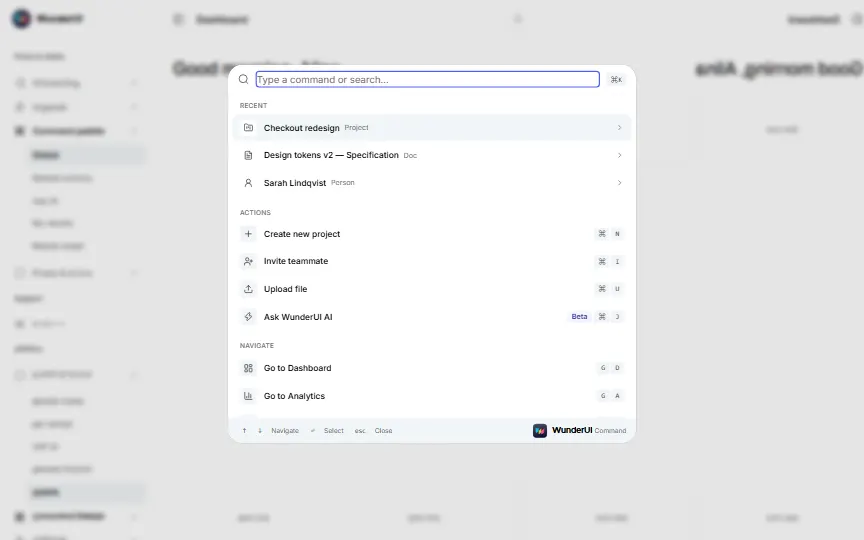
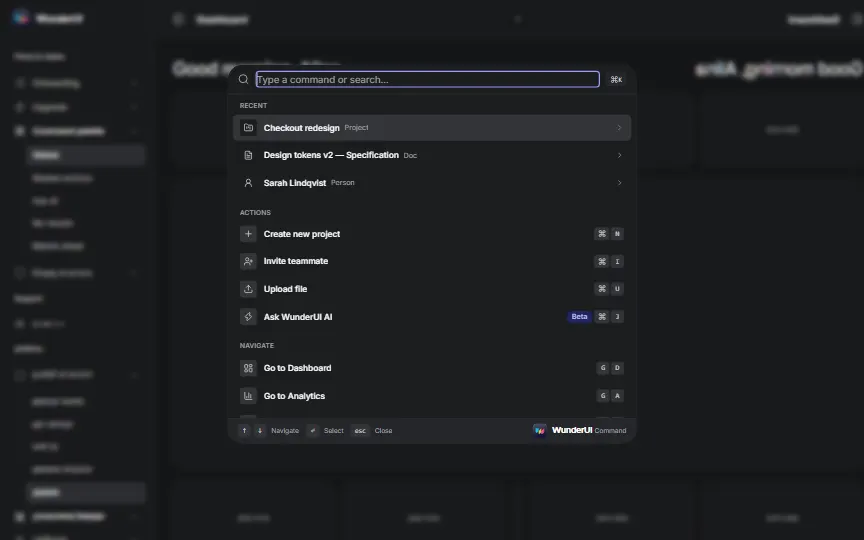
Command palette5 screens
- Global⌘K with groups and shortcuts(opens the live demo in a new tab)
- Nested actionsSub-menus and compact variants(opens the live demo in a new tab)
- Ask AIQuestions with streamed answers(opens the live demo in a new tab)
- No resultsFallbacks when nothing matches(opens the live demo in a new tab)
- Mobile sheetBottom sheet on a phone(opens the live demo in a new tab)
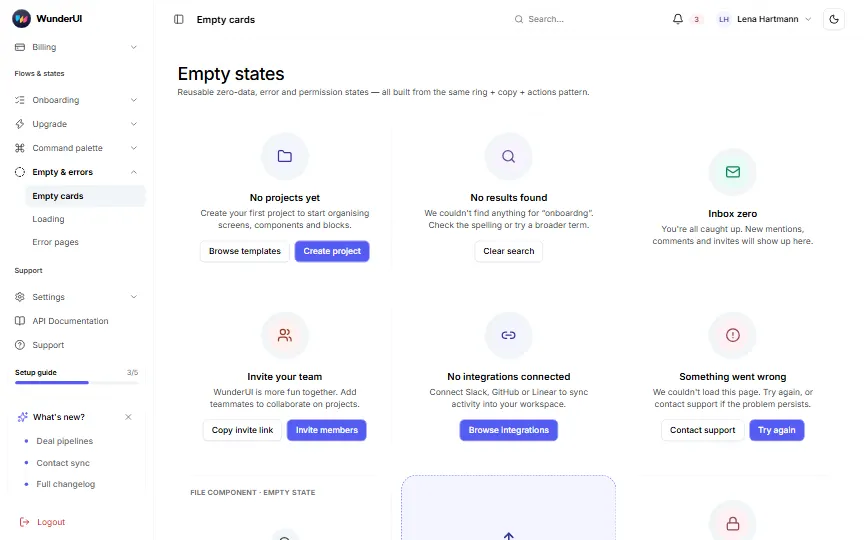
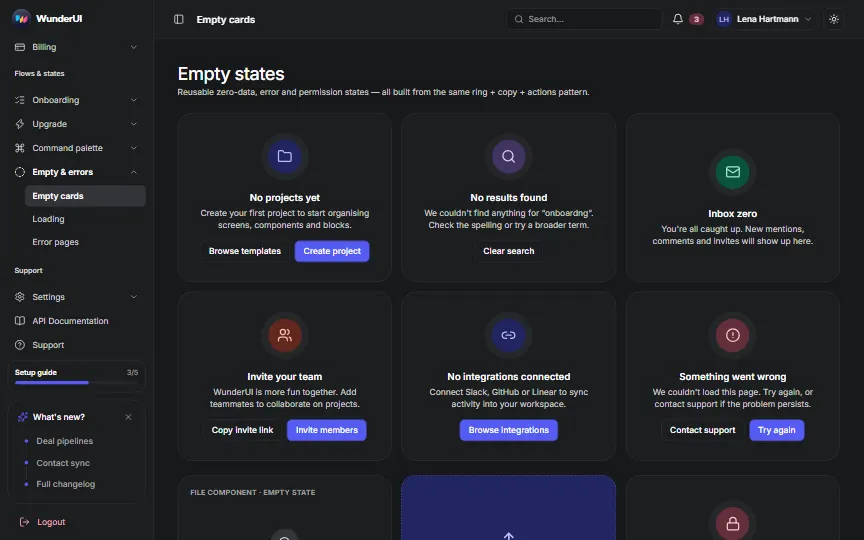
Support10 screens
Settings7 screens
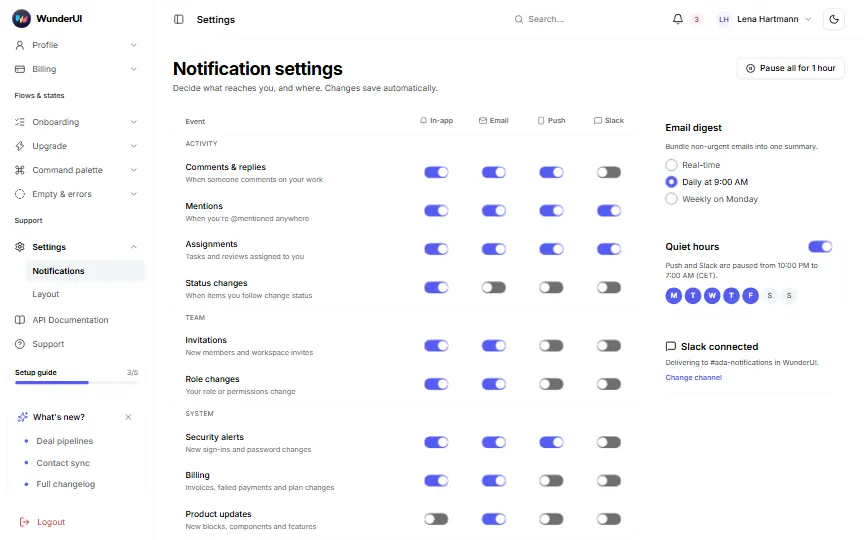
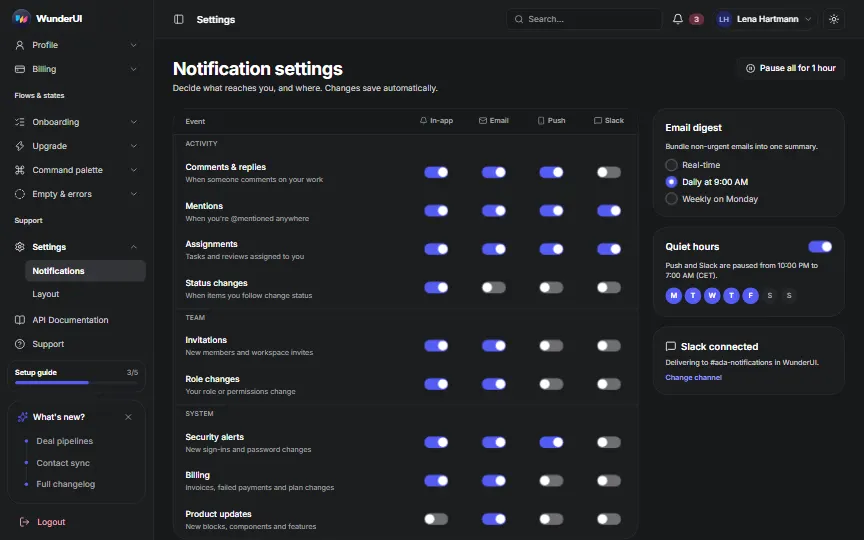
- NotificationsPer-channel notification settings(opens the live demo in a new tab)
- LayoutSidebar and top bar(opens the live demo in a new tab)
- Layout · Collapsed sidebarIcon rail and tabs(opens the live demo in a new tab)
- Layout · Top navigationNo sidebar, links on top(opens the live demo in a new tab)
- Layout · Dual sidebarIcon rail and a context panel(opens the live demo in a new tab)
- Layout · DarkThe shell in dark mode(opens the live demo in a new tab)
- Layout · MobileBottom navigation on a phone(opens the live demo in a new tab)