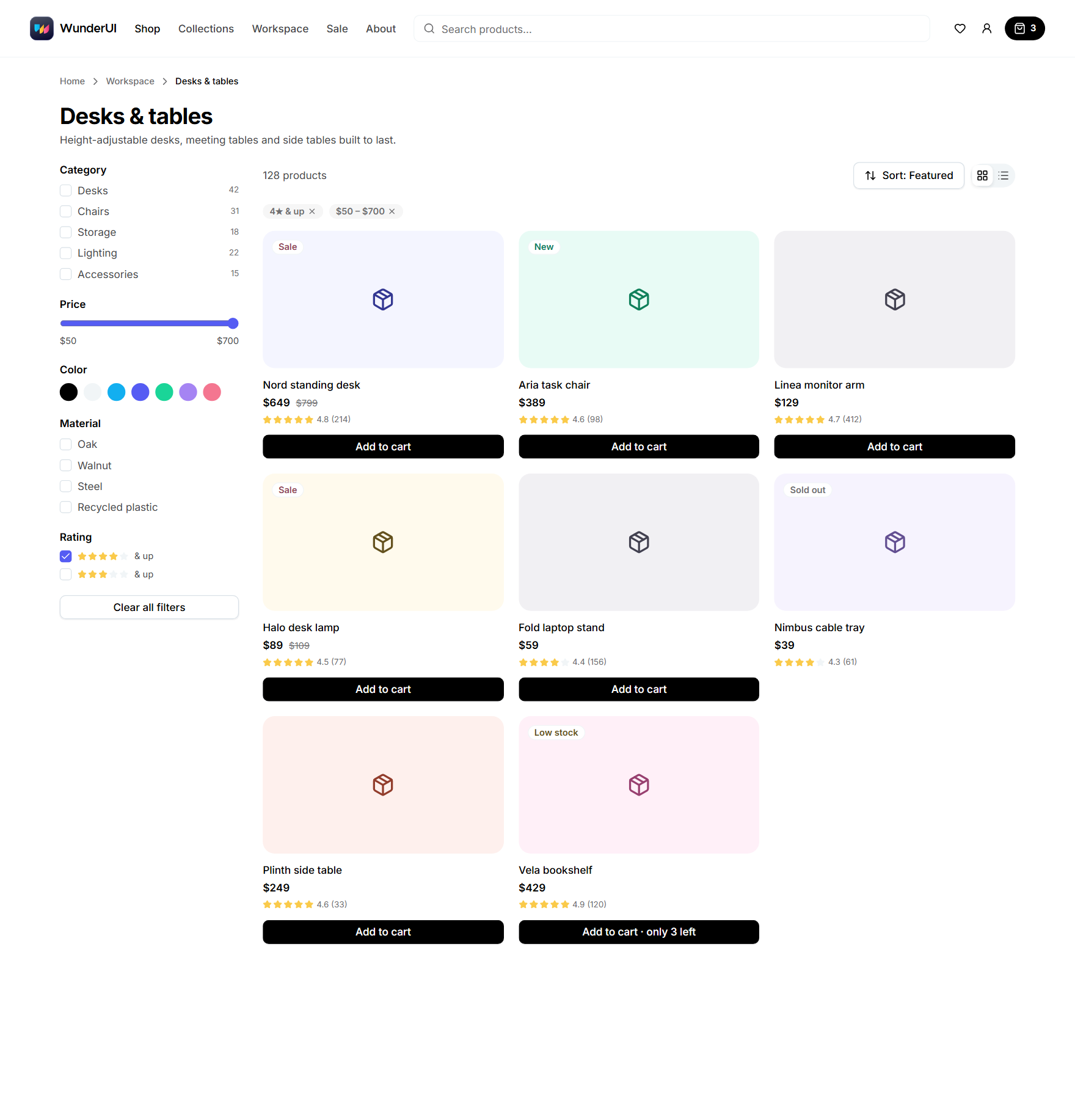
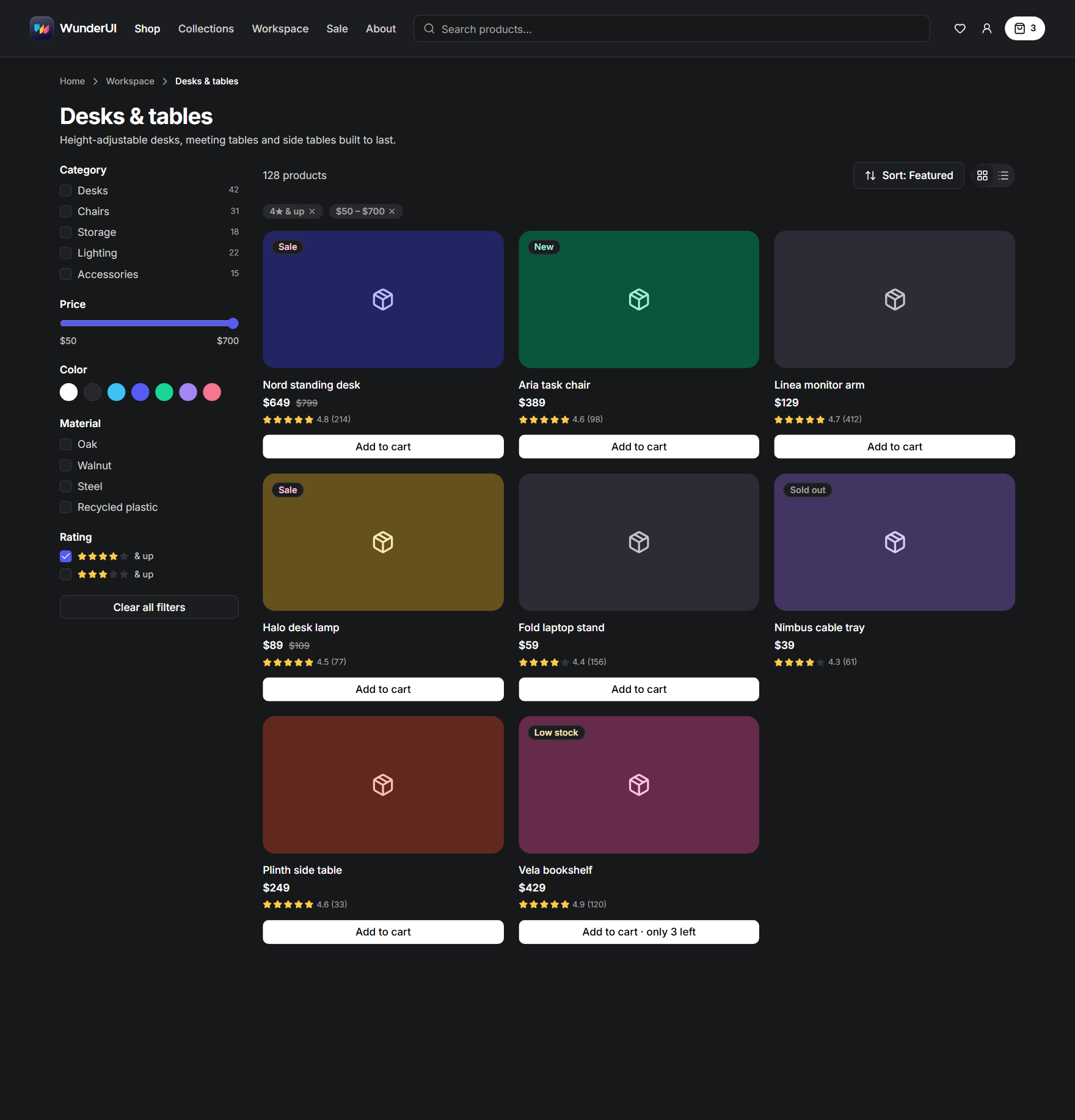
No hardcoded colours.
Every colour is a token, light and dark included. A hex value or a hand-written dark variant breaks the moment the theme changes.
Your agent builds with real components, your brand theme and one set of rules — in Figma and React, light and dark, desktop and mobile.
The demo is the real library: switch views, drag a card, sort the table, change the accent.
Your stack and your agent — no adapters.
Every colour is a token, light and dark included. A hex value or a hand-written dark variant breaks the moment the theme changes.
Tables, pickers and dialogs already exist, with sorting, search and keyboard support. The agent uses them instead of writing its own.
duration-300 and ease-in-out make every app feel the same. Motion comes from tokens tuned for each kind of change.
Figma library, token set, React components, agent context, your screen; the screen is audited before the merge, and findings go back to the token set, whose values are changed in Figma first.
Every size, state and variant in React and Figma, with live examples.
317 finished screens for apps, data, commerce and AI, light, dark and mobile.
Entrances, hovers and loaders on WunderUI's motion tokens.
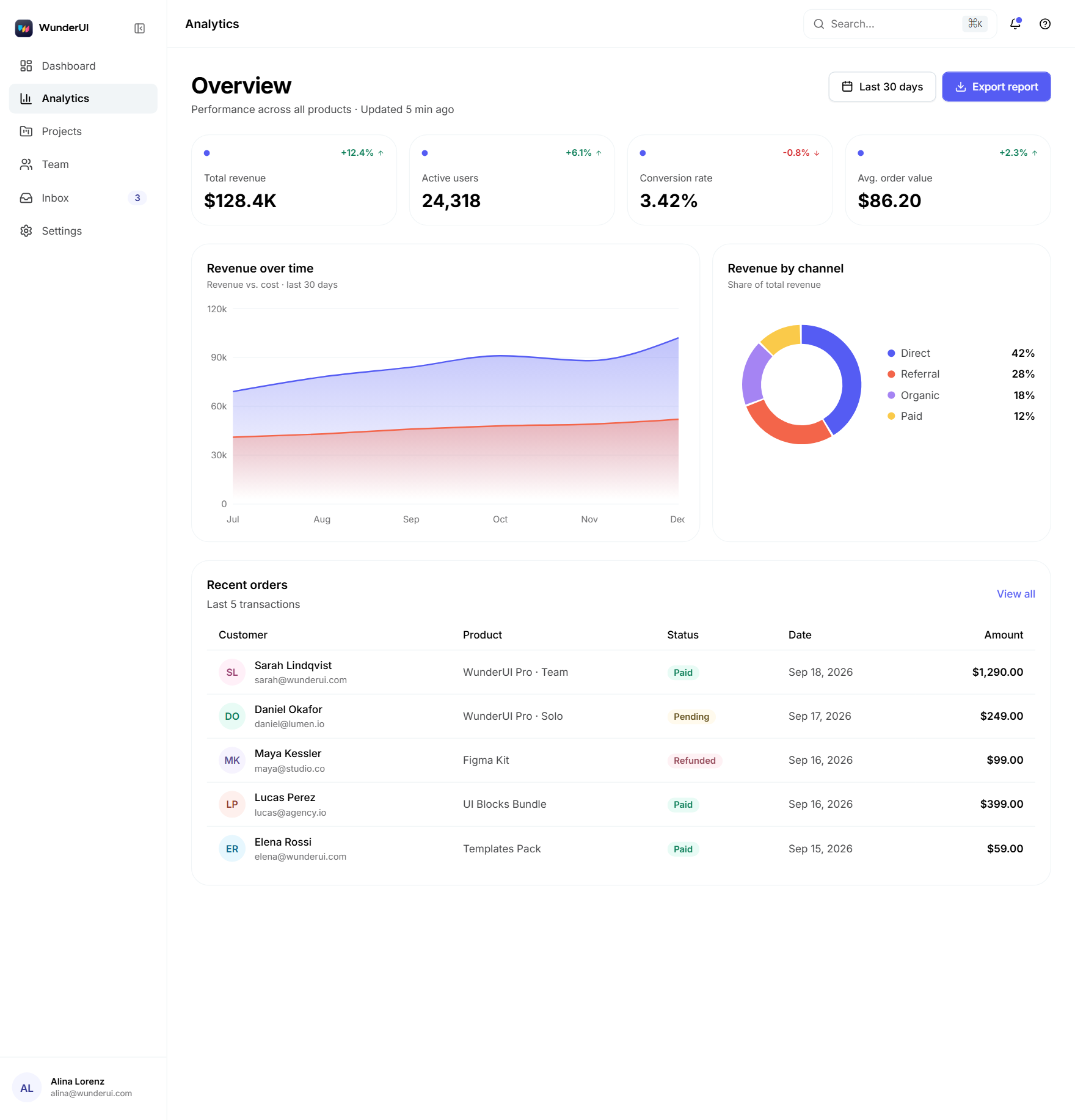
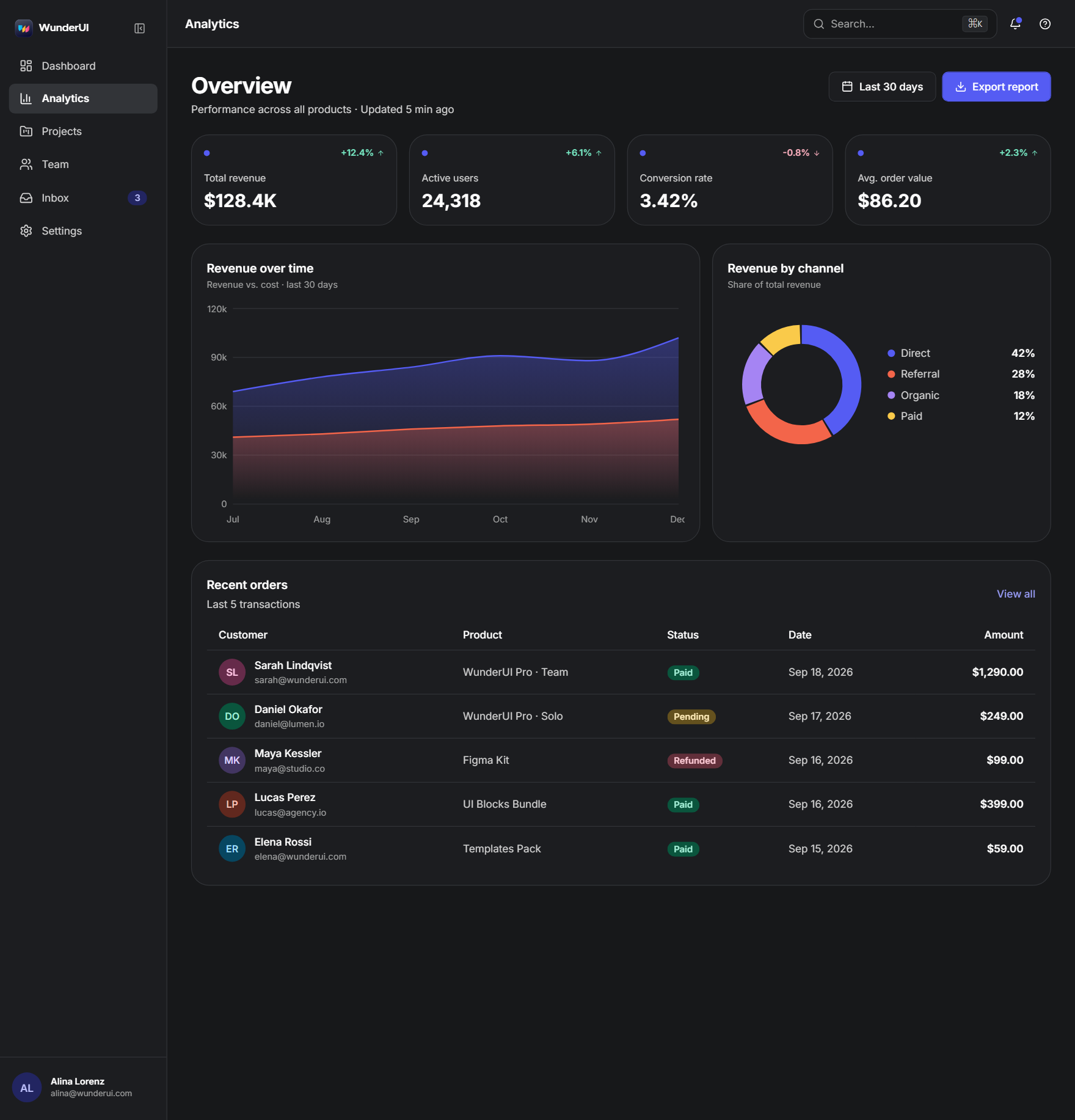
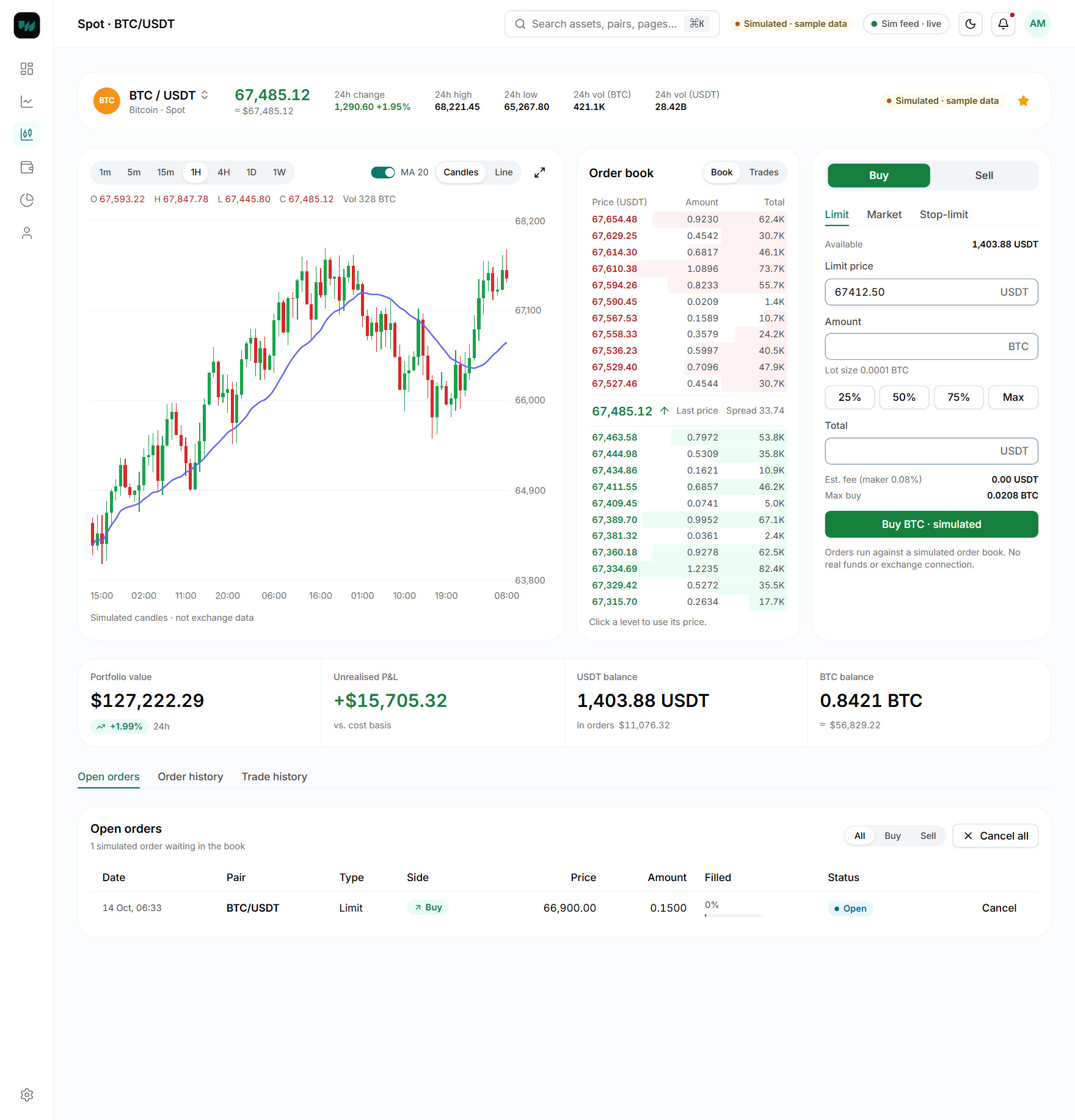
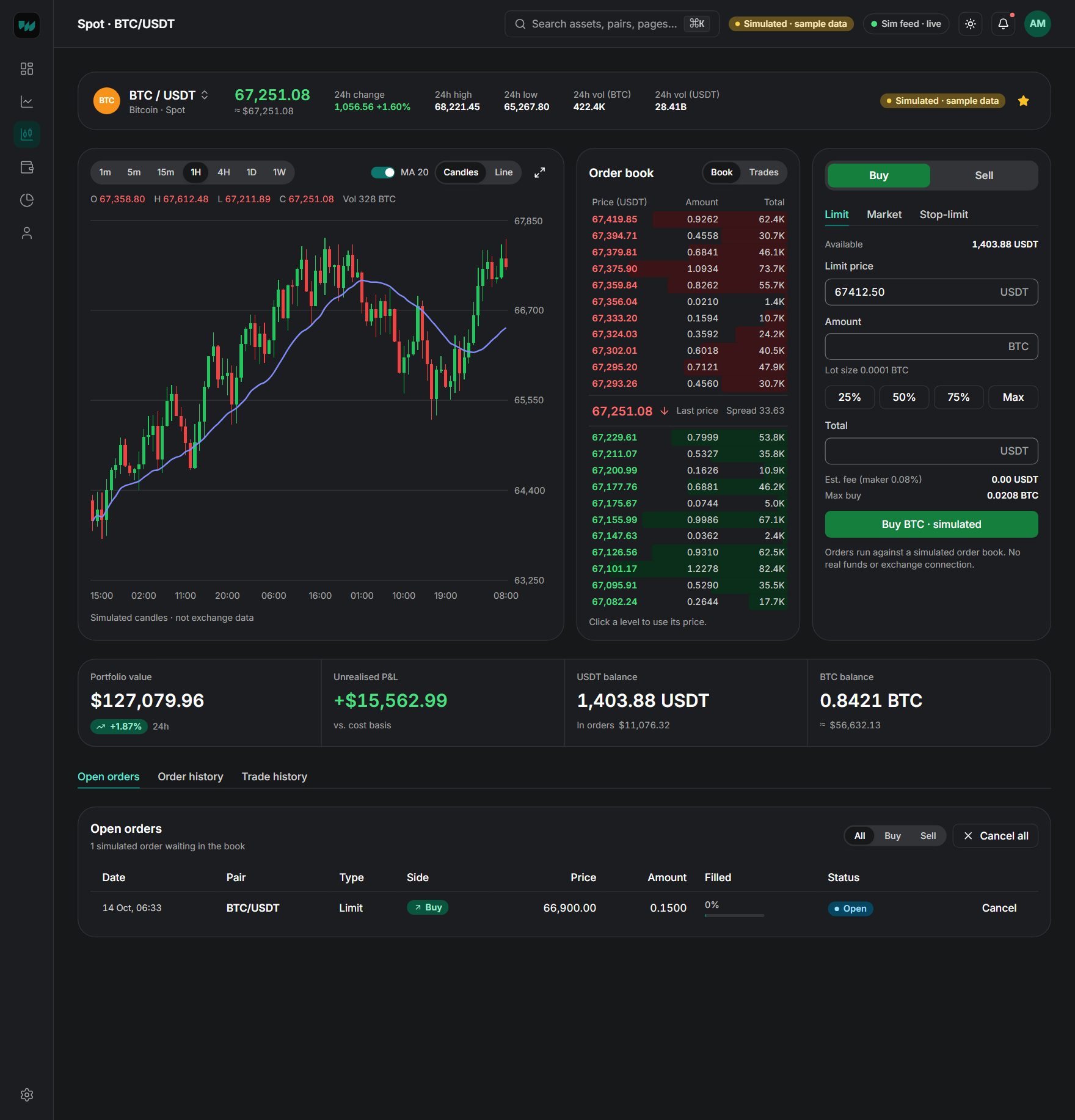
Dashboard, settings, AI inbox, agent workspace, sign-in and crypto trading — whole pages built only from WunderUI.
A Figma file and a React library with the same names, props and tokens.
Colour, type, radius and motion tokens; one switch turns it all dark.
Layouts reflow to phone size; every block has a mobile variant.
Your agent reads the rules over MCP; the skills flag raw values and off-scale motion.
13 blocks · 83 screens
84 screens · light, dark and mobile · full React app
The colour becomes step 600; every other step, the link, the tint and the focus ring are derived from it and checked against WCAG AA. The output is one theme.css.
The same click, twice. On the right the button answers the press and the tooltip grows out of it, then leaves faster than it came. On the left nothing moves, and it feels broken.
Six duration tokens, from an 80 ms press to a 700 ms data fill. Every transition in the library picks one — none invents its own.
Four curves: entrance, exit, move and overshoot. Things arrive fast and settle; they leave quicker than they came.
Entrances, hovers, loaders and text effects, ready to copy — all running on the same tokens, so they re-time together.
Every animation has a still version. With reduced motion switched on, the finished state is shown — nothing is hidden behind it.
Click both. Can you tell why the right one feels better?
~/my-app $
Add the components
The source lands in your project, with its dependencies.
Import the stylesheet
Tokens, light and dark — one CSS file.
Use a component
Import it by the name you saw in Figma.
app/globals.css
@import "tailwindcss";
@import "../styles/wunderui.css";
@source "../components";The next screen is already built
Every UI block is made only from these components. Add one with a Pro plan and it already runs on your tokens — light, dark and on a phone. Dashboards, settings, checkout, AI chat: start from a finished screen, not a blank file.
Browse the blocksEvery paid plan is a one-time payment and includes all updates for life.
Solo licence: WunderUI Free $0, WunderUI Core $199, WunderUI Pro $299
WunderUI Free
$0forever
The free components, open source.
For everyone
WunderUI Core
$199one-time
Figma and every React component.
One named developer or designer · one-time payment
WunderUI Pro
$299one-time
The full library — for you and your agent.
One named developer or designer · one-time payment
| Feature | Free | Core | Pro |
|---|---|---|---|
| Price | $0 | $199 one-time | $299 one-time |
| Design | |||
| Figma design systemThe full Figma library: 211 components with 2,736 variants and all their properties, plus 2,866 icons — built with auto layout and ready for your own screens.Open the free Figma preview | Free preview | 211 components · 2,736 variants | 211 components · 2,736 variants |
| Design tokensColour, radius, spacing and type as Figma variables and CSS variables, with the same names on both sides and light and dark modes. | |||
| UI block screens in FigmaEvery UI block screen as a Figma frame in light, dark and mobile, built from the library components. The React source of the blocks comes with Pro. | |||
| Code | |||
| React components222 accessible React components (83 of them free): forms, feedback, overlays, core elements, navigation, KPI cards, charts and AI. The same names, props and variants as the Figma library — copy the code or install them, typed and themeable. | 83 components · open source | 222 components | 222 components |
| Data & Charts34 components: area, line, bar, column, candlestick, sparkline, pie, radar, radial, bubble and funnel charts plus the data grid, with 260 ready-made chart variants in Figma and React. Every chart has a loading state and an appear animation. | 34 components | 34 components | |
| AI & Agents components45 components for AI products: chat, prompt input, tool calls, approvals, agent plans, run timelines and cost meters. | 45 components | 45 components | |
| Motion effectsThe motion catalogue: 181 copy-ready effects in 13 categories — buttons, cards, text, loaders and AI interfaces — plus the duration and easing tokens behind them. The 25 button effects are free. | 25 button effects | 181 effects | 181 effects |
| Theme BuilderPick a brand colour and get the whole colour scale, checked for contrast, as CSS you can paste into your project. | |||
| Blocks & templates | |||
| UI blocksFinished screens such as dashboards, auth, settings, billing, chat and data views, with source code, in light, dark and mobile. | |||
| Pre-Built Templates6 complete multi-screen templates you can start a product from: dashboard, AI inbox, settings, sign-in, agent workspace and the crypto trading app (React app plus its Figma file). | 6 templates | ||
| New templatesEvery template released, for life. | |||
| AI & agents | |||
| WunderUI MCP / registryThe MCP server (wunderui-mcp) and the component registry: your coding agent looks up components, props and tokens and installs them by name. | Free components | Core library | Full library |
| Free agent skillsSetup, Screen and Token check: set up WunderUI in a project, build complete screens with all their states, and replace hard-coded values with tokens. On Free, Screen builds with the free components — forms, settings, sign-in and overview pages; data-heavy product screens with charts, data grid and app layout need Core or Pro. | 4 skills | 4 skills | 4 skills |
| Basic AI skillsDESIGN.md, design.json and llms.txt: the files that teach any coding agent your tokens, components and rules. | |||
| Figma AI skillsFigma screen and Figma sync: build WunderUI screens in Figma from library instances, and keep Figma variables and the CSS tokens in sync. | 2 skills | ||
| Coding agent skillsMotion audit, Accessibility, Agent UI and Compose: audits with patches, agent interfaces and whole pages built from blocks. | 5 skills | ||
| AI agentsBuilder, Reviewer and Figma designer: Claude Code agents that combine the skills into one job. | 3 agents | ||
| Design AuditorThe UI/UX audit skill: checks a website, landing page, codebase or Figma file against 520 rules — now with a responsive check from 320 to 1440 px — and writes a prioritised report. | |||
| Guides & updates | |||
| Guides & documentationStep-by-step guides for installation, theming, the CLI, the foundations and building with AI, plus a live example for every component. | |||
| New componentsEvery component added to the library, for life. | |||
| Continuous updatesFixes and improvements to everything in your plan, for life, no renewal. | |||
| LicenseFree: the 83 free components are MIT — use them in any project, commercial included; the Figma preview file is for personal use. Standard Commercial License: unlimited commercial projects — Solo for one named person, Team for up to 5 users in one organisation, client work included.Read the license agreement | MIT (free components) | Standard Commercial | Standard Commercial |
The whole documentation is open before you buy — components, blocks and every code example.
Product

Every component, block and code example is open before you pay.