Skip to content
WunderUI

UI blocks

285 blocks across 7 categories, in light and dark, built from the WunderUI components.

55 blocks shown

  • Auth & Onboarding5 variantsPro
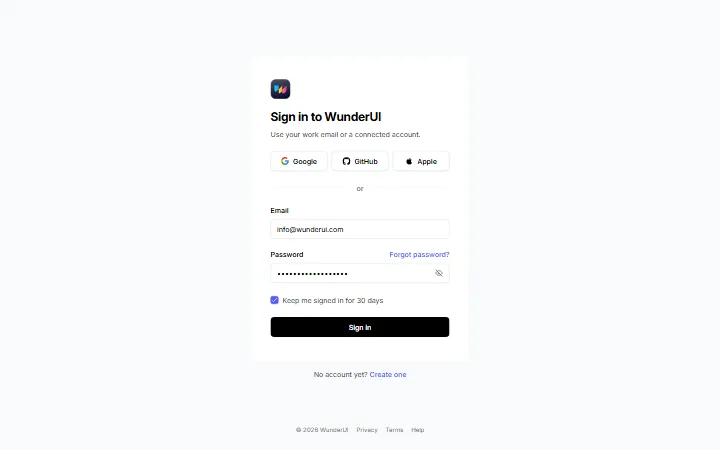
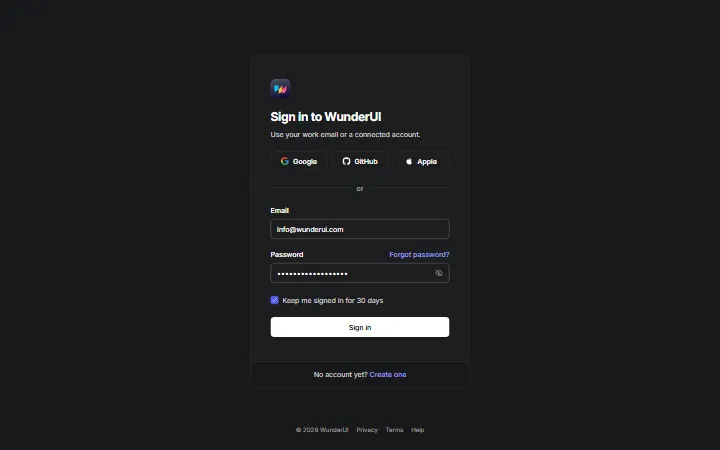
    LoginSign-in screens: password, magic link, SSO, lockout and an email-first split layout.
  • Auth & Onboarding6 variantsPro
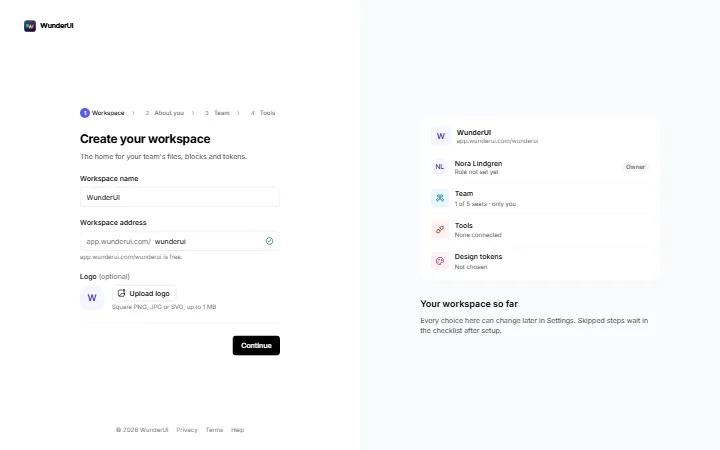
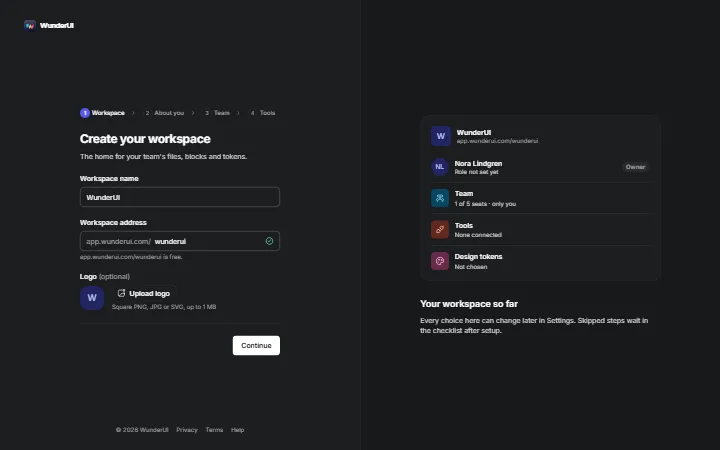
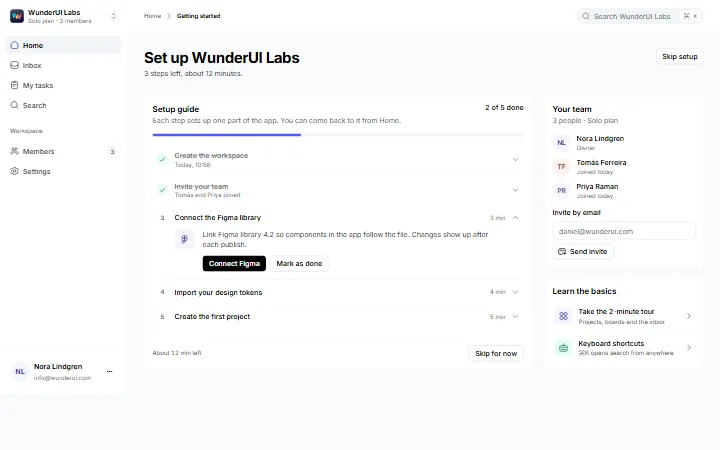
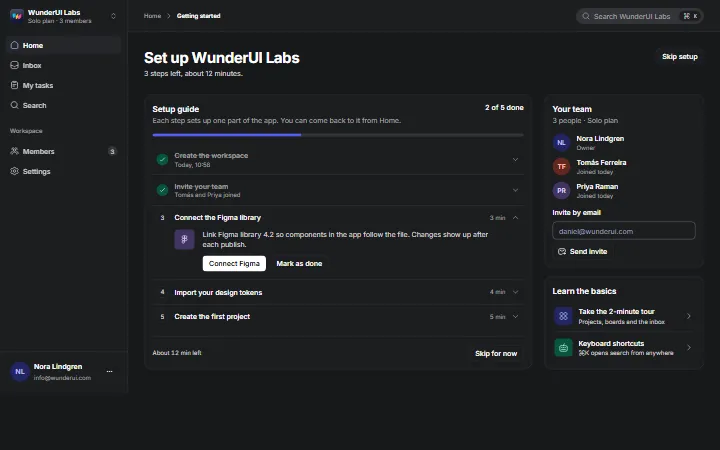
    OnboardingWorkspace setup after sign-up: name, role, team, tools and a checklist, plus a new-workspace modal.
  • Auth & Onboarding5 variantsPro
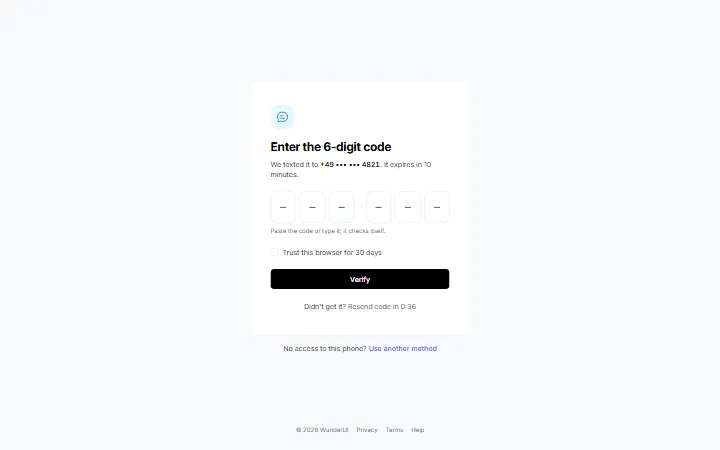
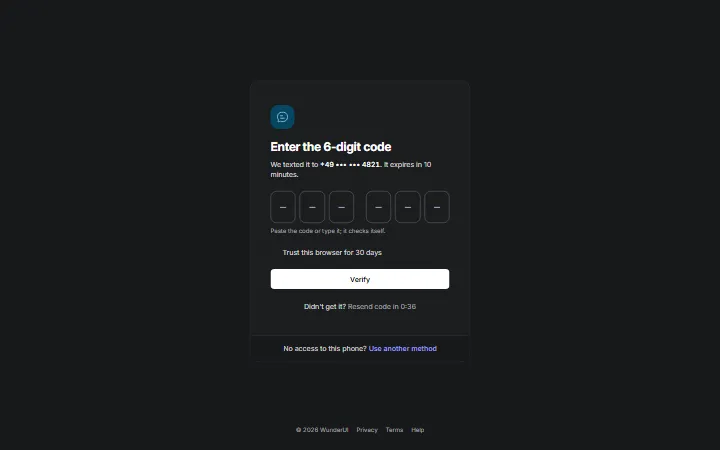
    Passkey & OTPSecond-step verification: code entry, authenticator, passkey, backup codes and trusted devices.
  • Auth & Onboarding6 variantsPro
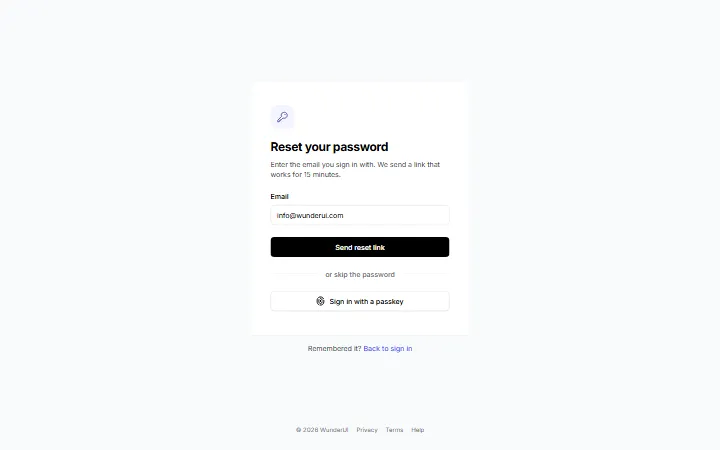
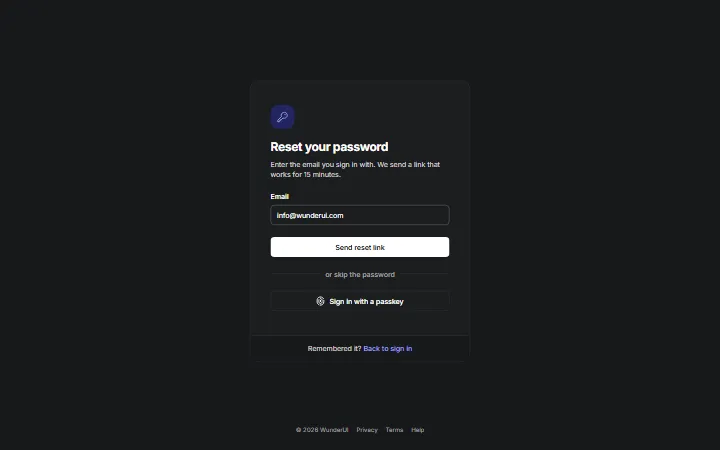
    Password resetPassword reset from request to done: link, new password, expired link and code option.
  • Auth & Onboarding6 variantsPro
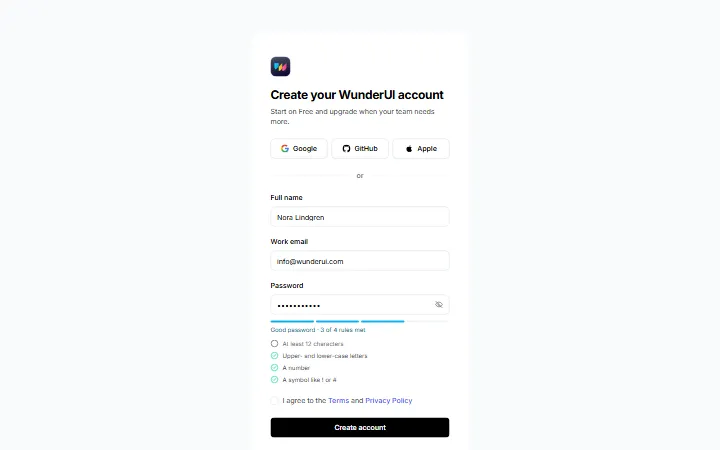
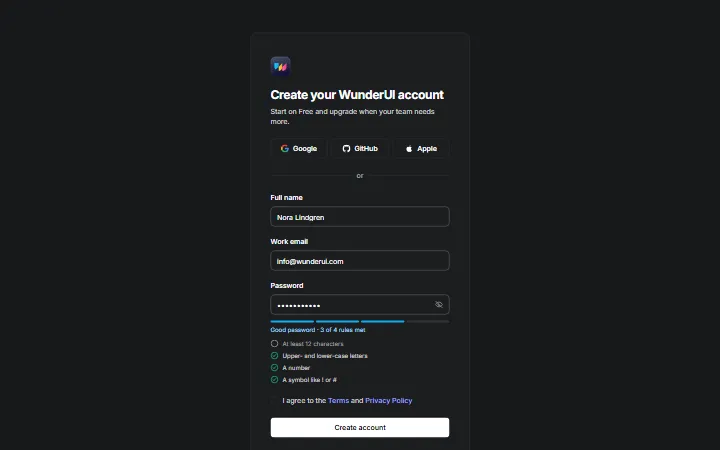
    Sign upRegistration: account form, social sign-up, plan, email confirmation, split layout and profile.
  • Auth & Onboarding5 variantsPro
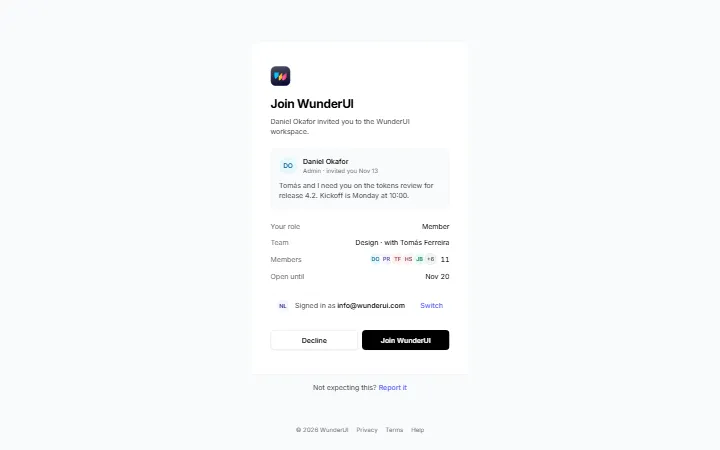
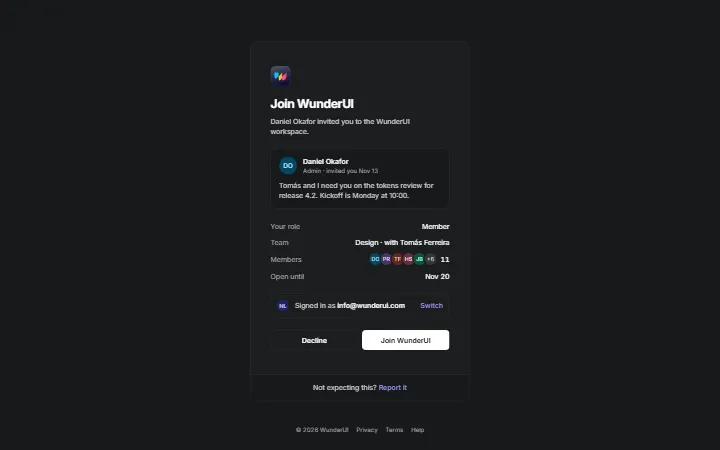
    Team inviteTeam invitations: accept, join with a new account, expired, wrong account and join by domain.
  • Application & Dashboard11 variantsPro
    App shell · SidebarApp shells with a sidebar: eleven layouts from docked to floating, each with real page content.
  • Application & Dashboard7 variantsPro
    App shell · TopbarApp shells with a top bar and no sidebar: seven layouts with real page content.
  • Application & Dashboard6 variantsPro
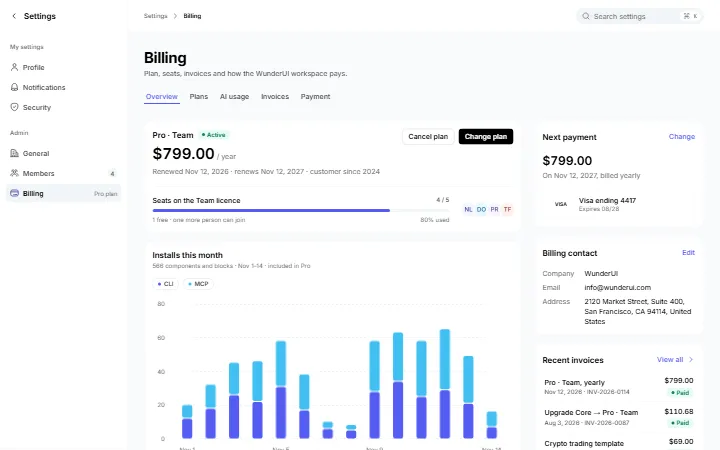
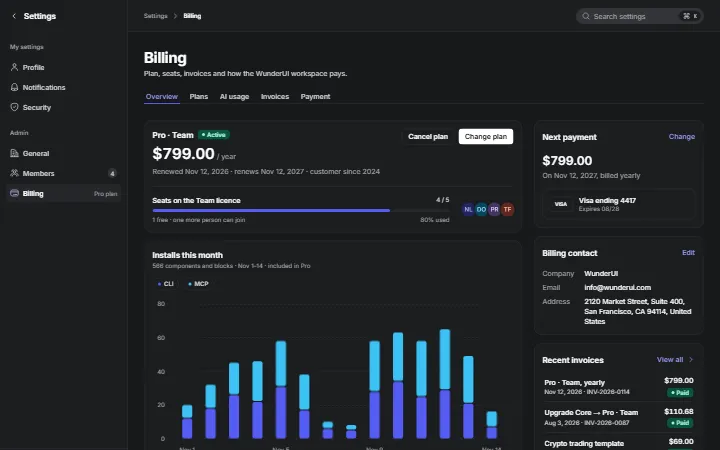
    BillingBilling: plan and seats, plan changes, AI credits, invoices, payment methods and upgrades.
  • Application & Dashboard5 variantsPro
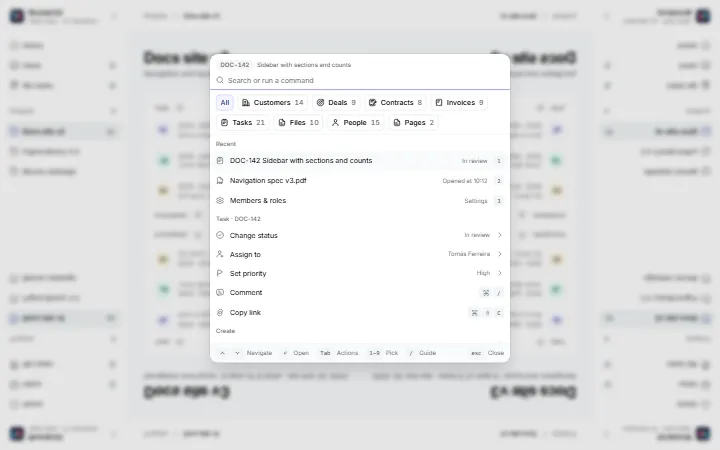
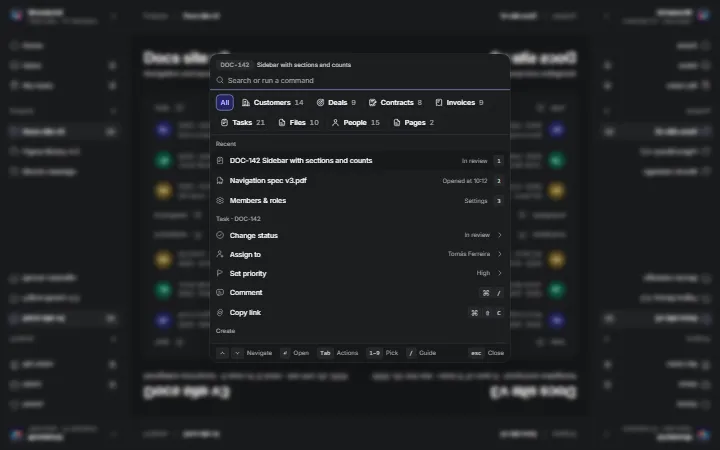
    Command paletteA command palette over a page: search every record, run actions, nested pages and confirmations.
  • Application & Dashboard6 variantsPro
    Empty statesEmpty states as real app pages: first run, new project, no results, all done, no access and offline.
  • Application & Dashboard6 variantsPro
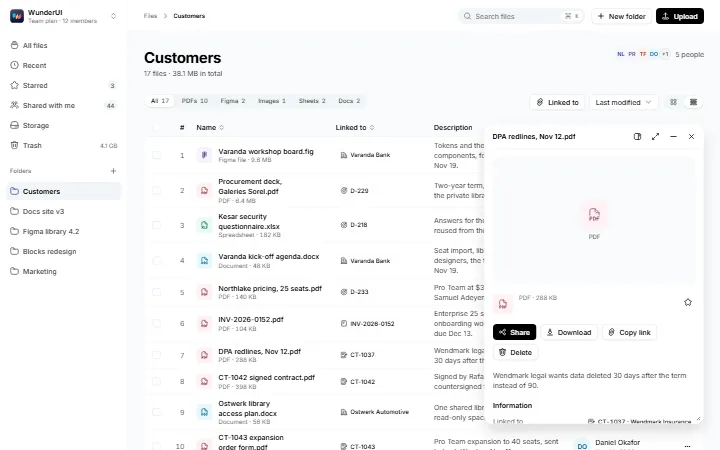
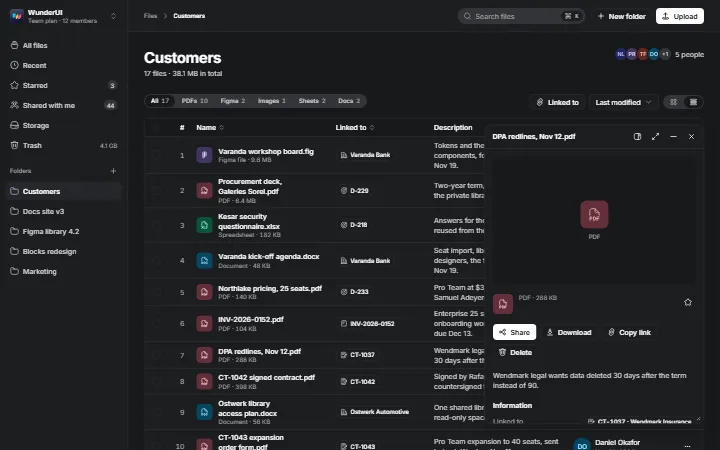
    FilesA shared drive: file table, folder tree, preview, uploads, sharing and storage.
  • Application & Dashboard5 variantsPro
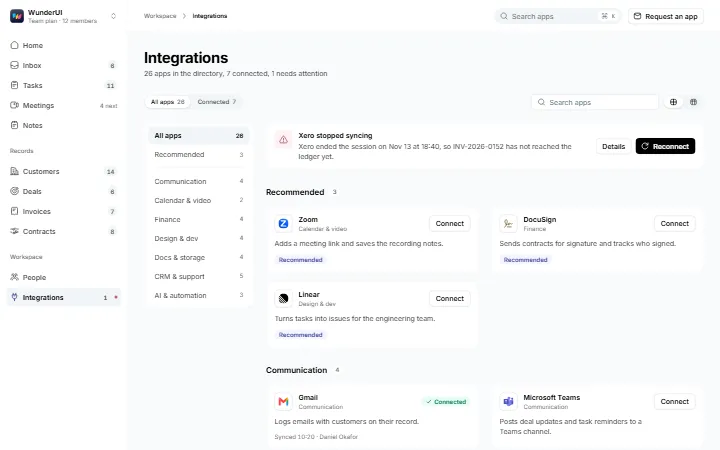
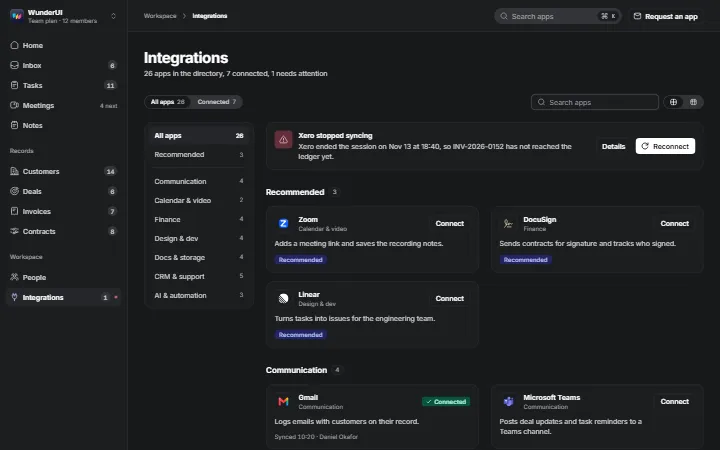
    IntegrationsAn app directory: categories, connected apps, an app drawer, a connect flow and failure states.
  • Application & Dashboard5 variantsPro
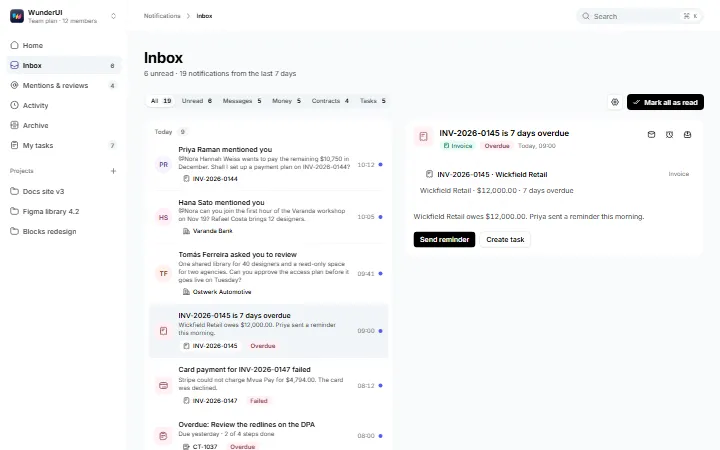
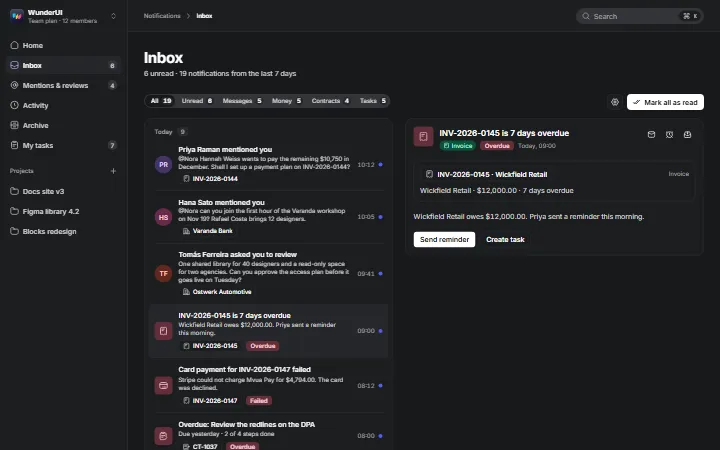
    NotificationsNotifications and activity: inbox, activity feed, mentions, bell popover and settings.
  • Application & Dashboard4 variantsPro
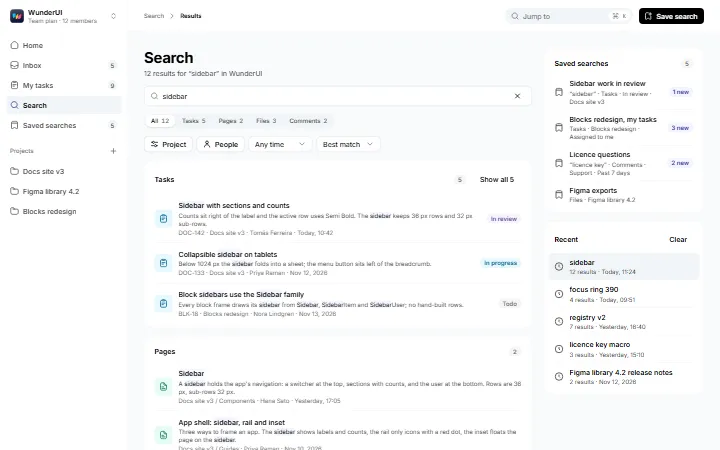
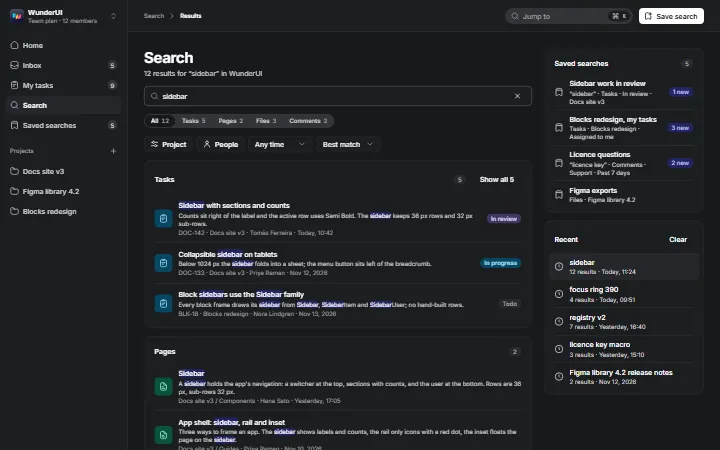
    SearchWorkspace search as a page: live results, type tabs, filter chips and saved searches.
  • Application & Dashboard5 variantsPro
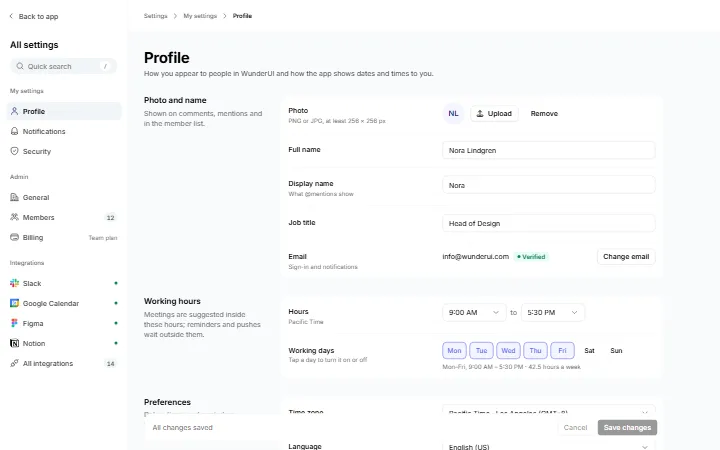
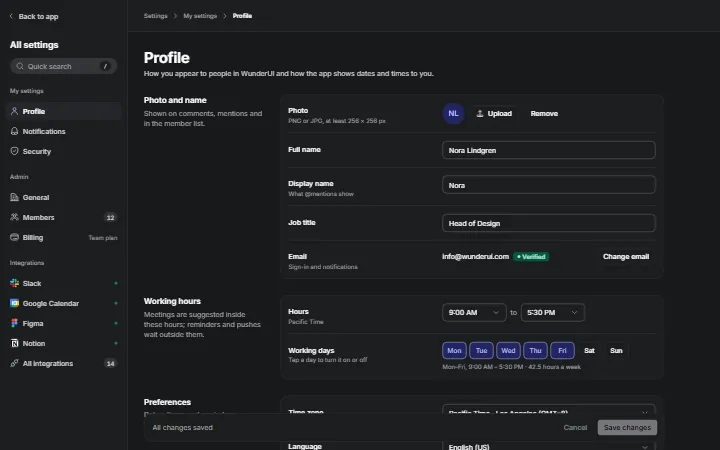
    SettingsApp settings: profile, workspace, members, notifications and security.
  • Application & Dashboard5 variantsPro
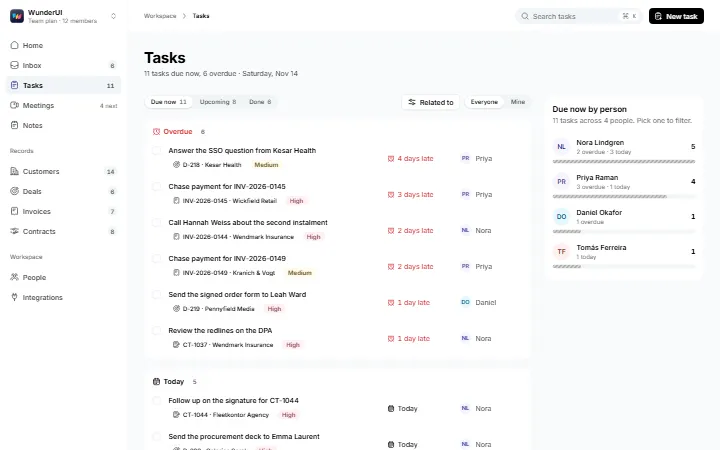
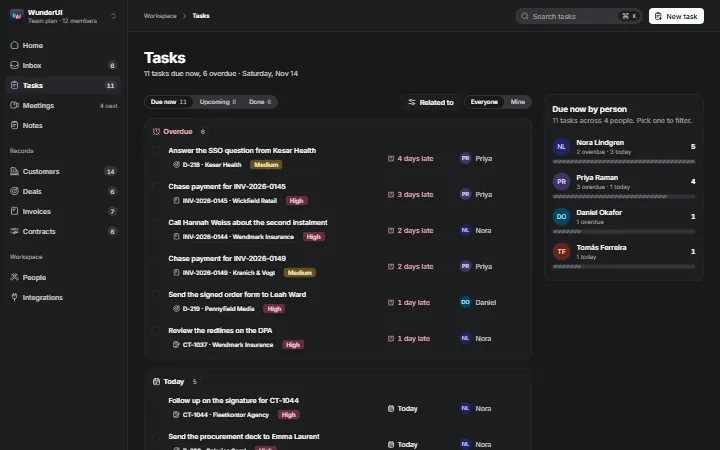
    TasksTasks tied to customers, deals and invoices: due now, board, table, new task and caught up.
  • Application & Dashboard5 variantsPro
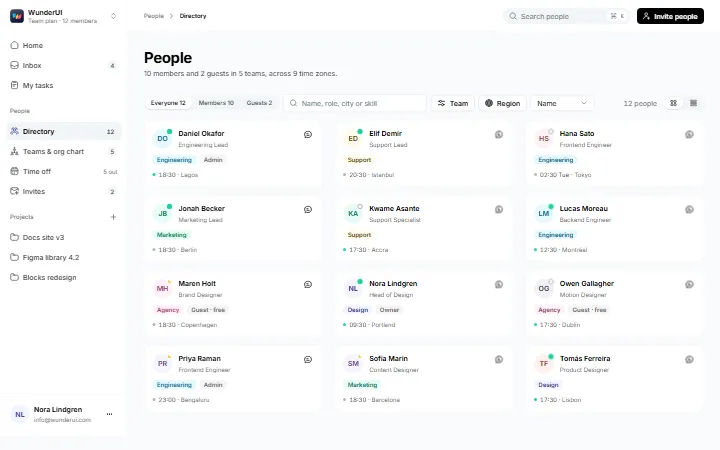
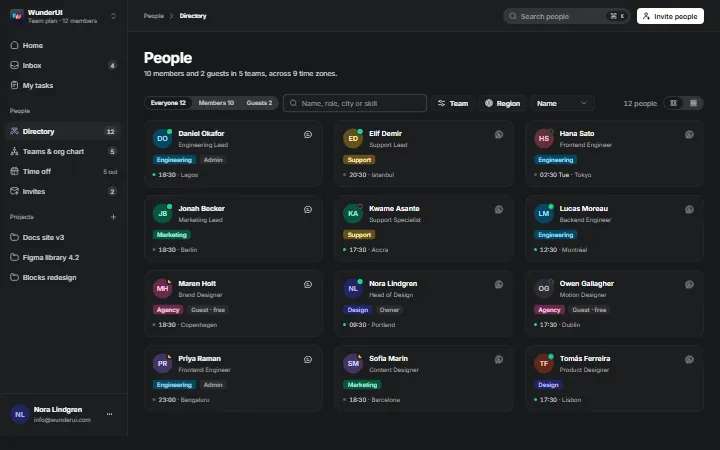
    Team & peopleA team directory: profiles, org chart, availability and inviting people with roles.
  • Application & Dashboard5 variantsPro
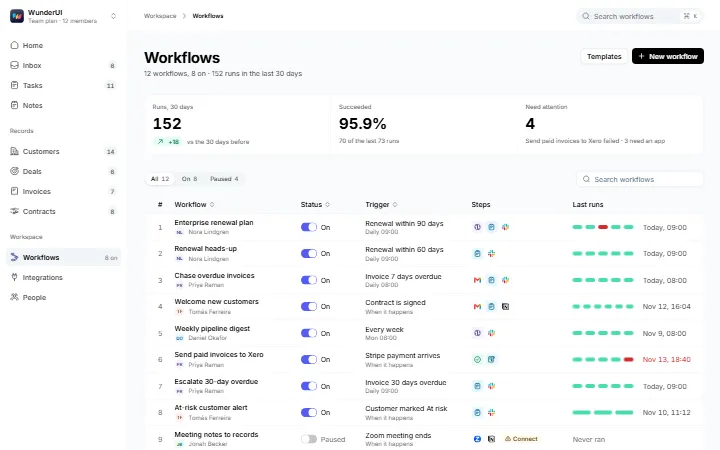
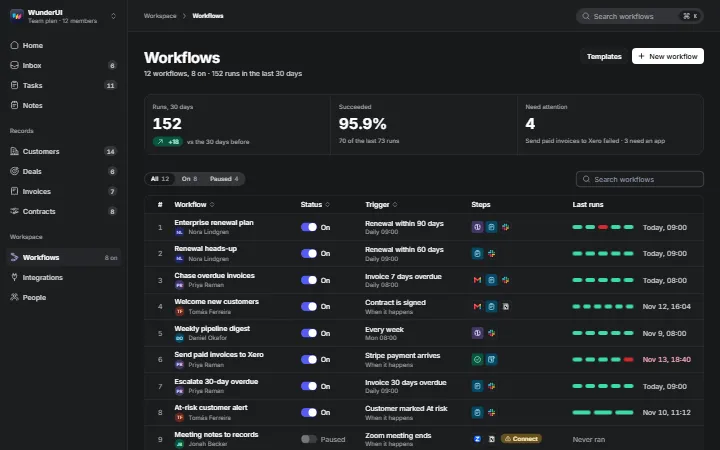
    WorkflowsWorkflow automation: list, create from a sentence, flow builder, run history and app connections.
  • Application & Dashboard6 variantsPro
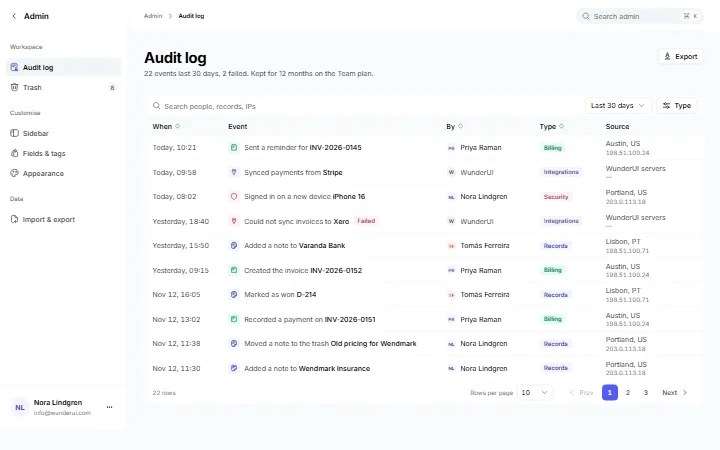
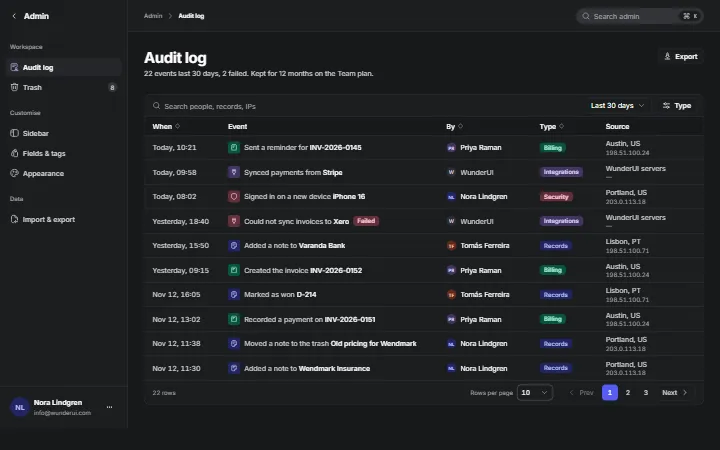
    Workspace adminWorkspace admin: audit log, trash, sidebar, custom fields, CSV import and appearance.
  • Data & Tables6 variantsPro
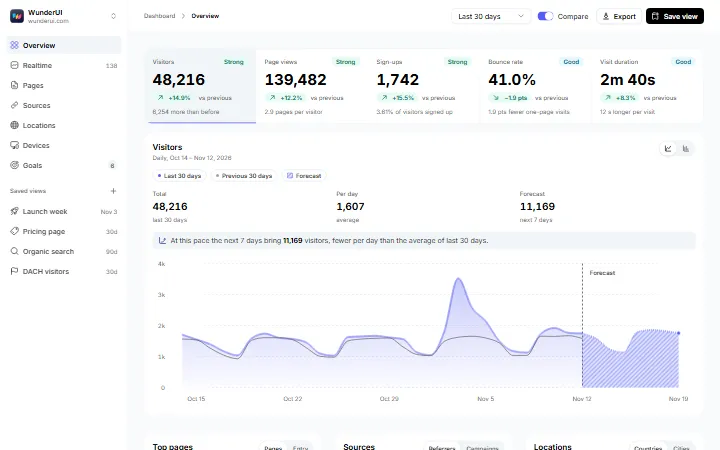
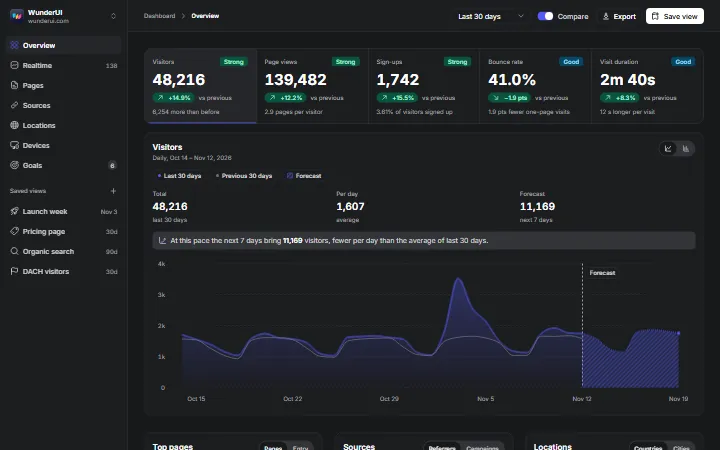
    Analytics overviewProduct analytics for one site: KPIs, breakdowns, realtime, audience and goals.
  • Data & Tables6 variantsPro
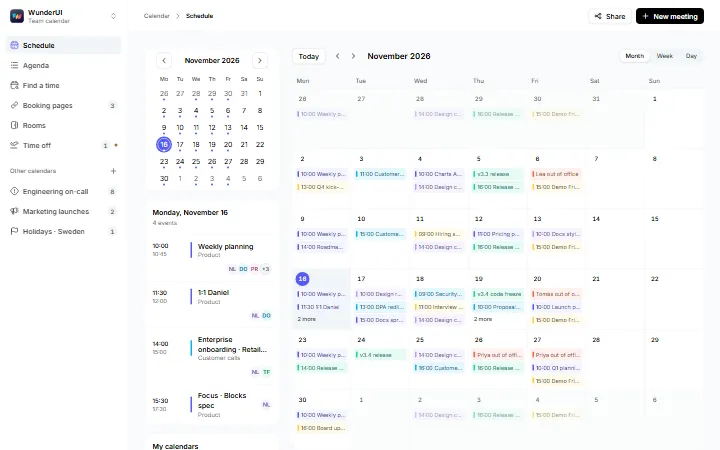
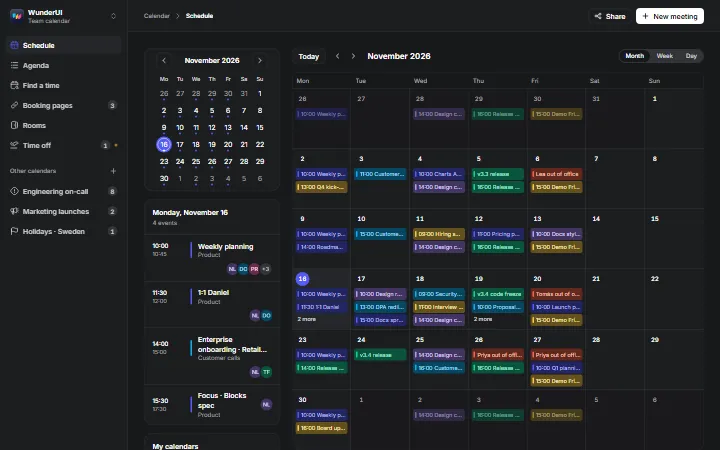
    CalendarA team calendar: month, week, agenda, event page, cross-time-zone finder and calendar connection.
  • Data & Tables5 variantsPro
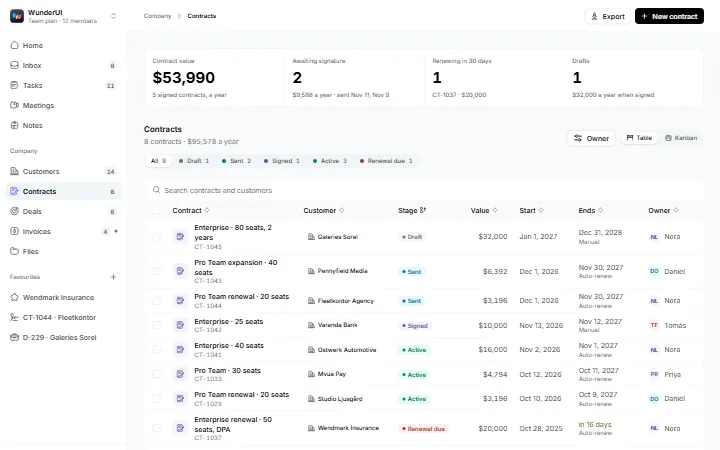
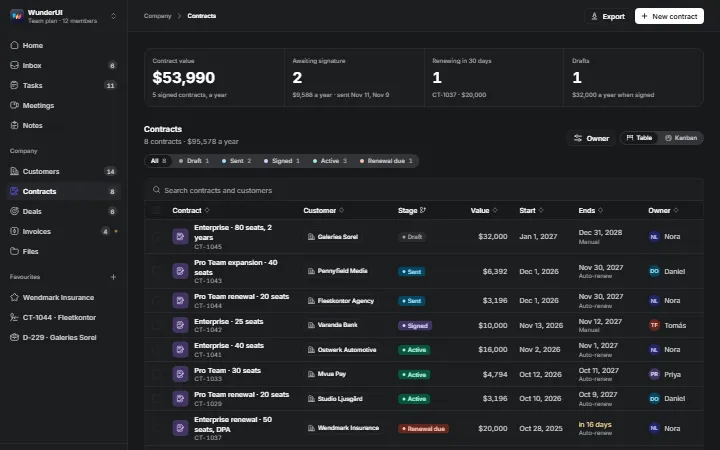
    ContractsLicence contracts from draft to renewal: list, board, one contract, signatures and a wizard.
  • Data & Tables5 variantsPro
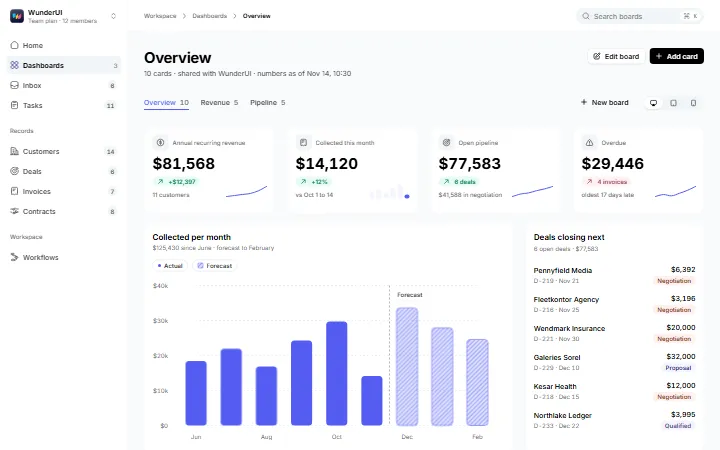
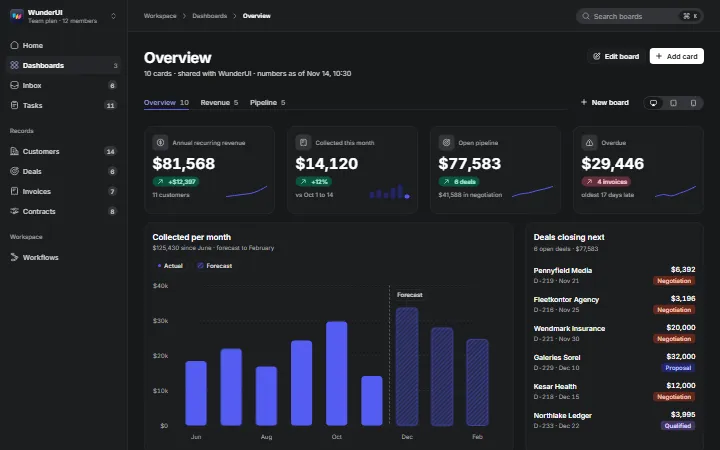
    Custom dashboardA drag-and-drop dashboard: boards, edit mode, a card catalog and tablet and phone layouts.
  • Data & Tables5 variantsPro
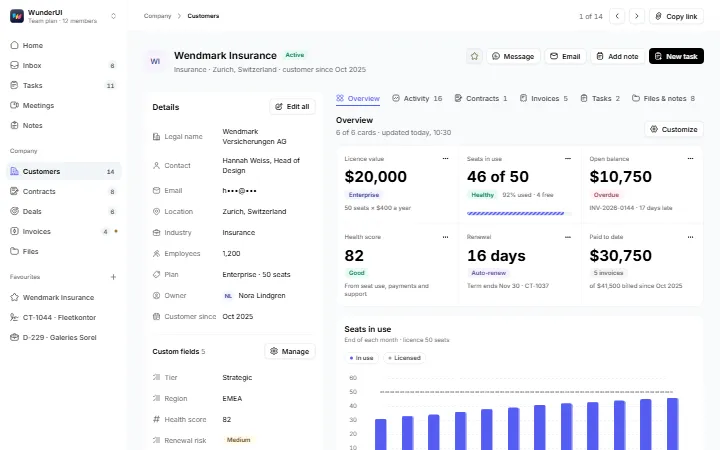
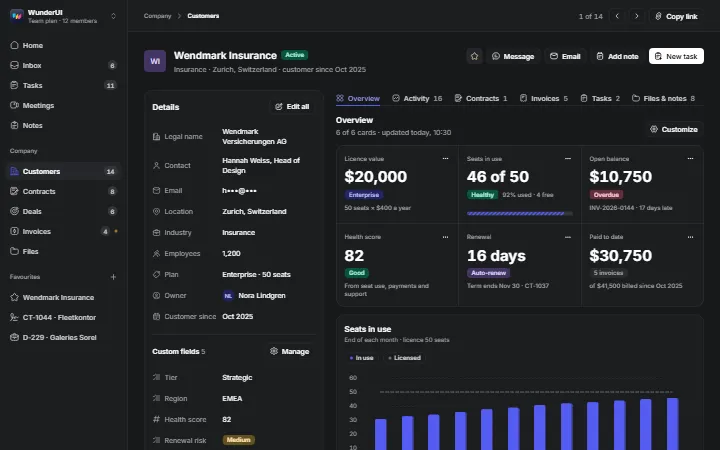
    Customer recordOne customer as a page: editable details, overview, activity, billing and files.
  • Data & Tables6 variantsPro
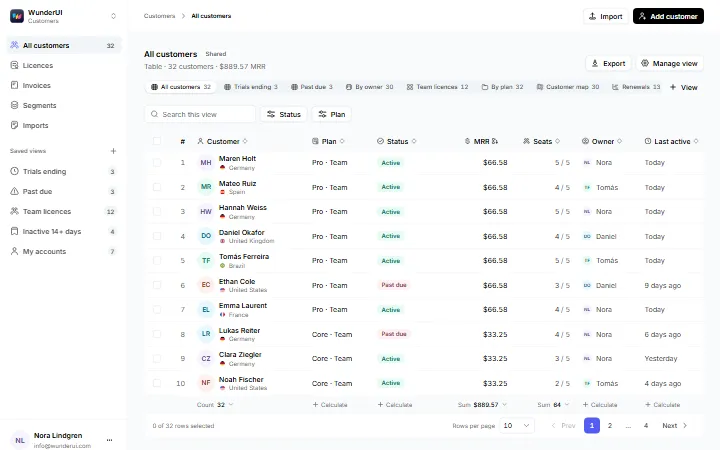
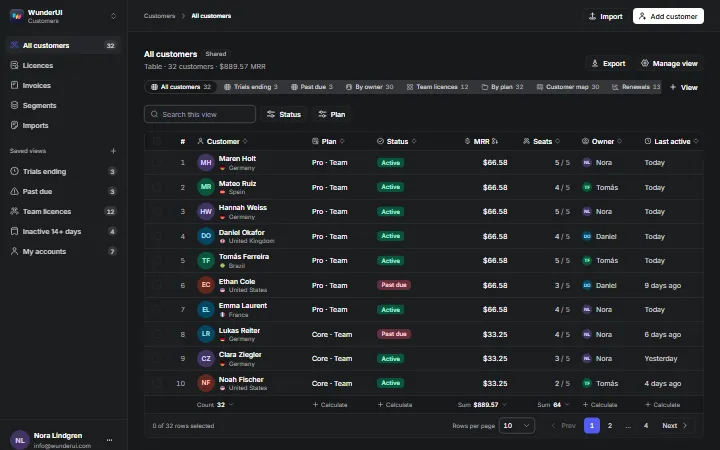
    Data table viewsOne customer list in six views: saved views, grouping, columns, bulk actions, record dock and map.
  • Data & Tables6 variantsPro
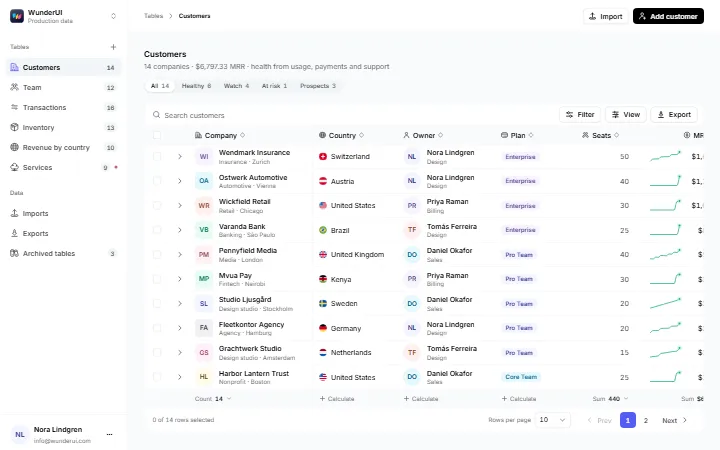
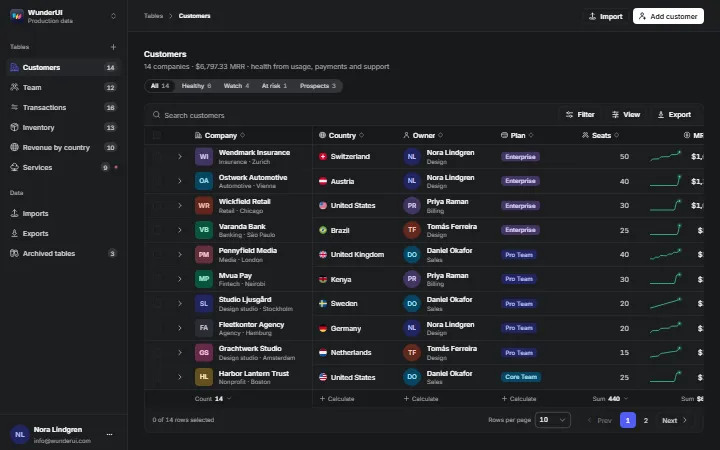
    Data tablesSix working data tables: customers, team, transactions, inventory, revenue by country and services.
  • Data & Tables5 variantsPro
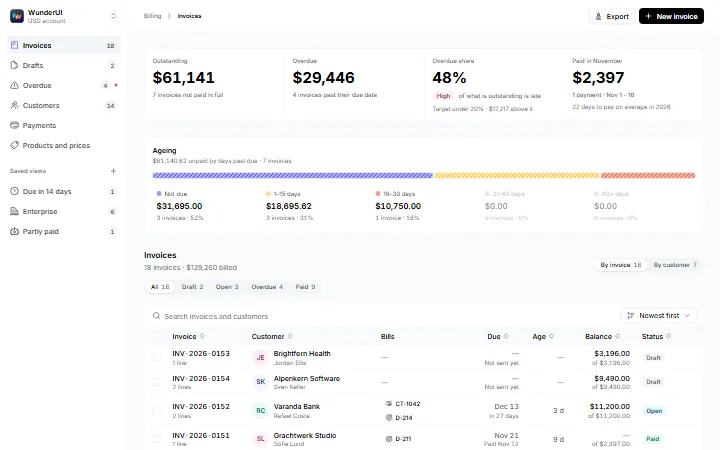
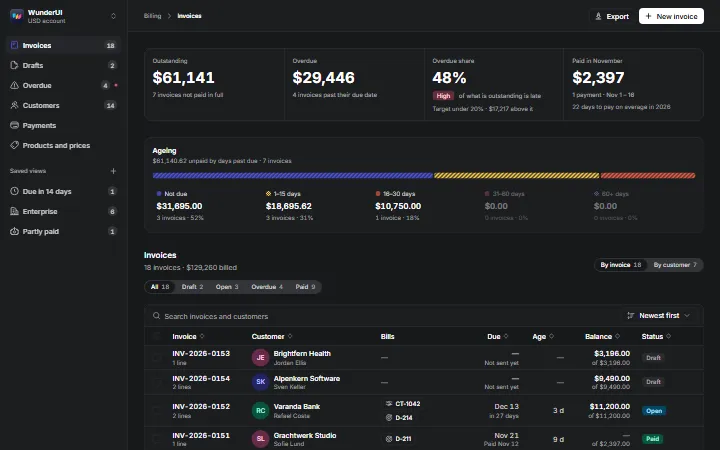
    InvoicesInvoicing: list with ageing, a print-ready invoice, create, overdue collections and customer history.
  • Data & Tables4 variantsPro
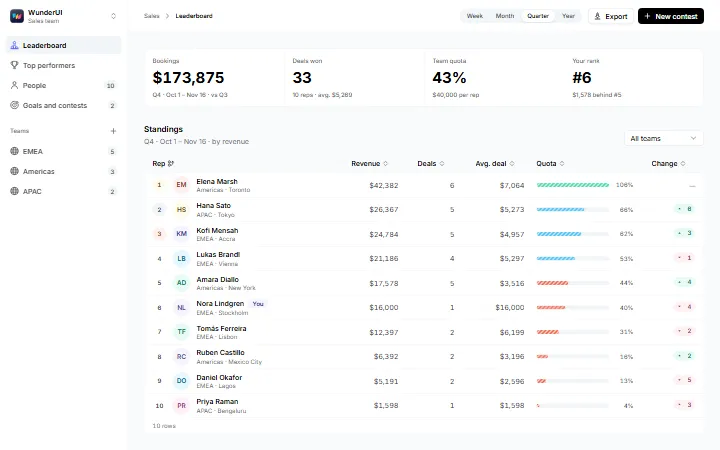
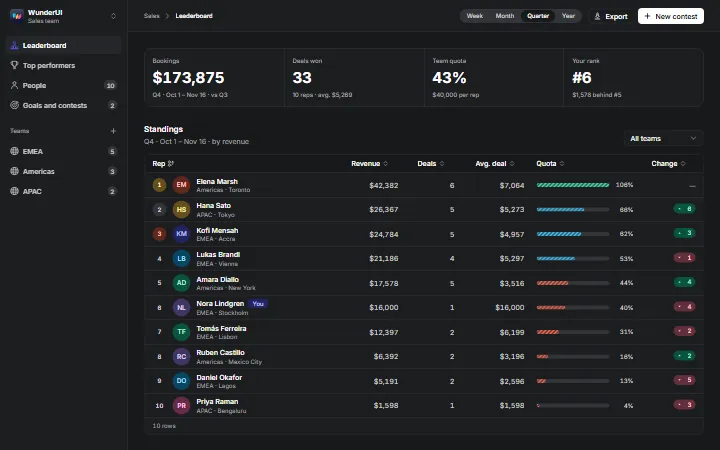
    LeaderboardSales rankings: standings, podium, rep profile and team goals.
  • Data & Tables5 variantsPro
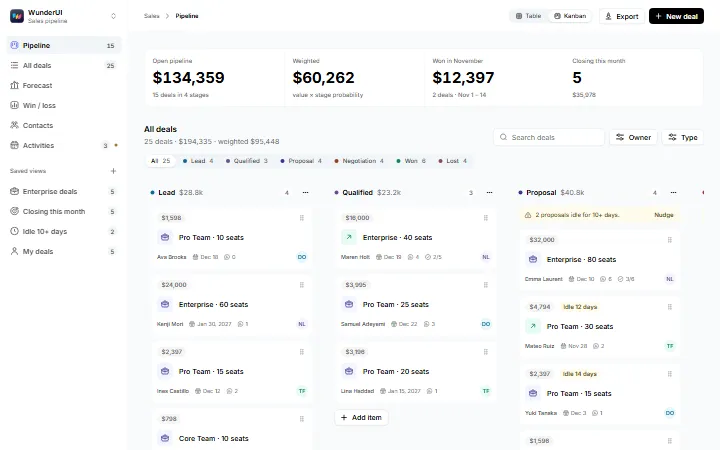
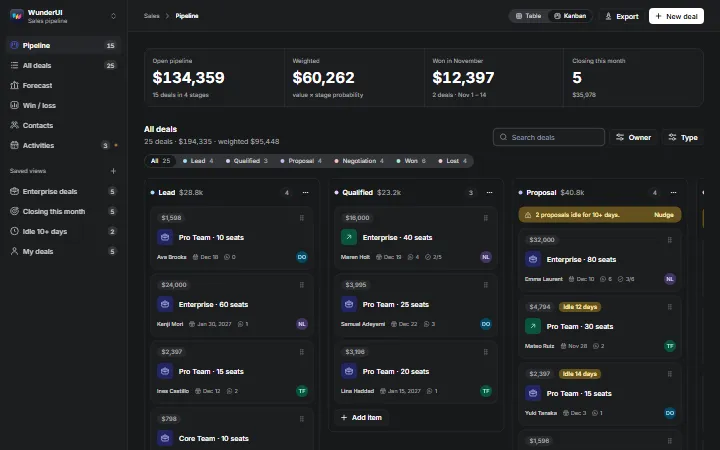
    PipelineA sales pipeline: Kanban board, deal table, forecast, deal page and win/loss analysis.
  • Data & Tables5 variantsPro
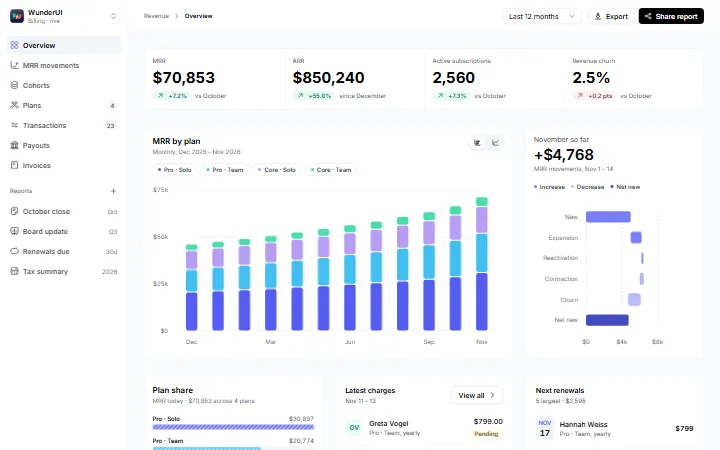
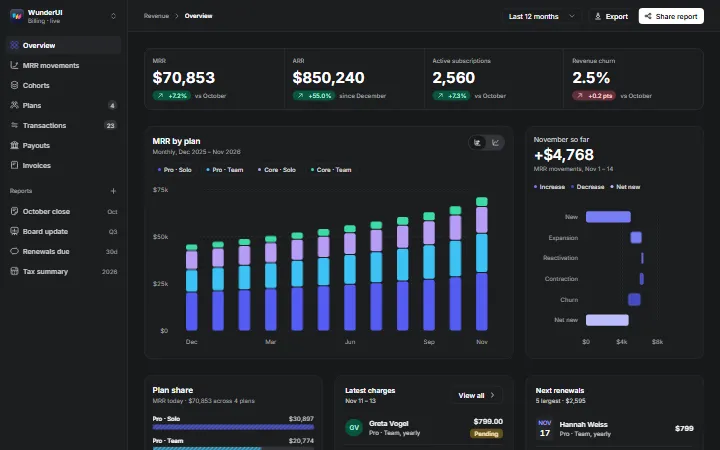
    Revenue & financeSubscription revenue: MRR and ARR, movements, cohorts, plans and transactions.
  • Data & Tables4 variantsPro
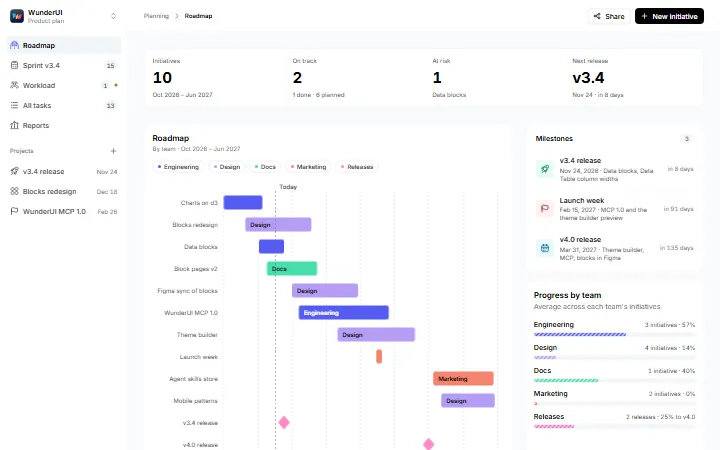
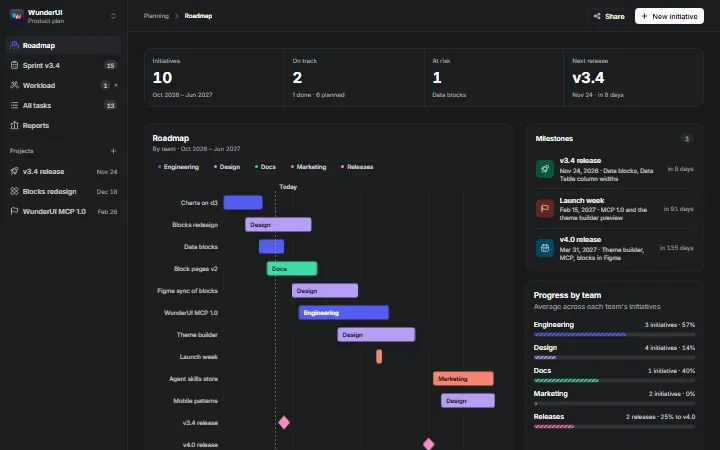
    TimelinePlanning views: roadmap, sprint Gantt, workload heatmap and a task table.
  • E-commerce5 variantsPro
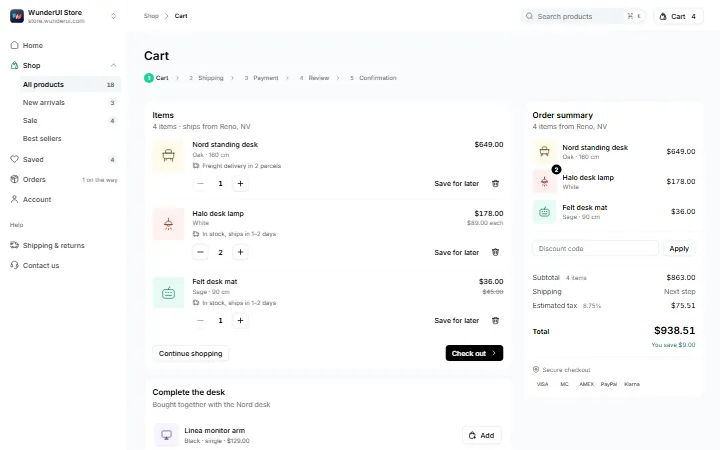
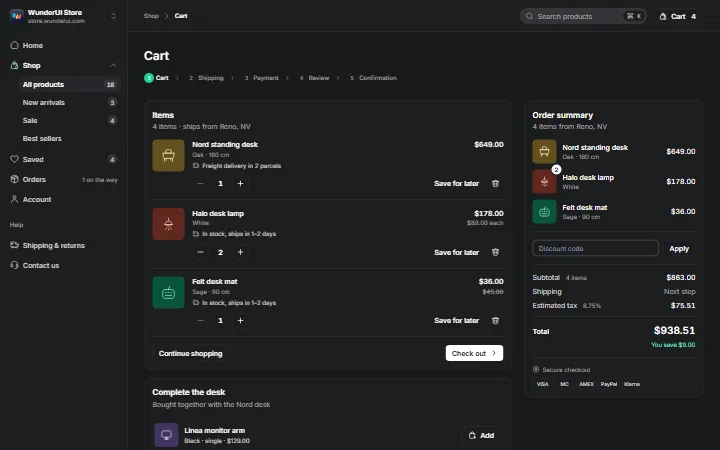
    Cart & checkoutA one-page purchase: cart, shipping, payment, review and confirmation with an order summary.
  • E-commerce5 variantsPro
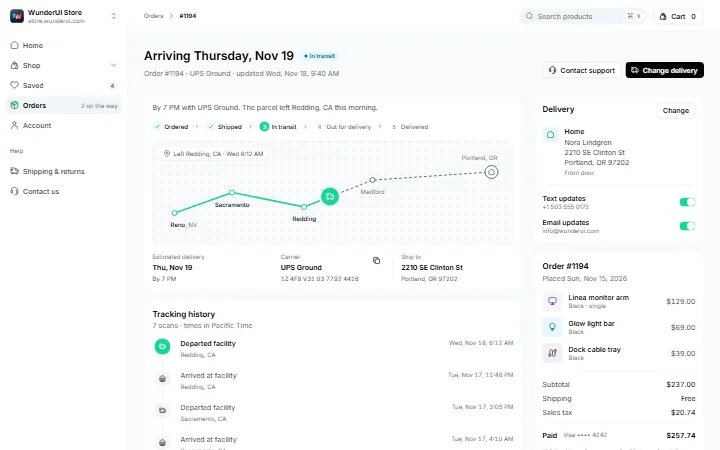
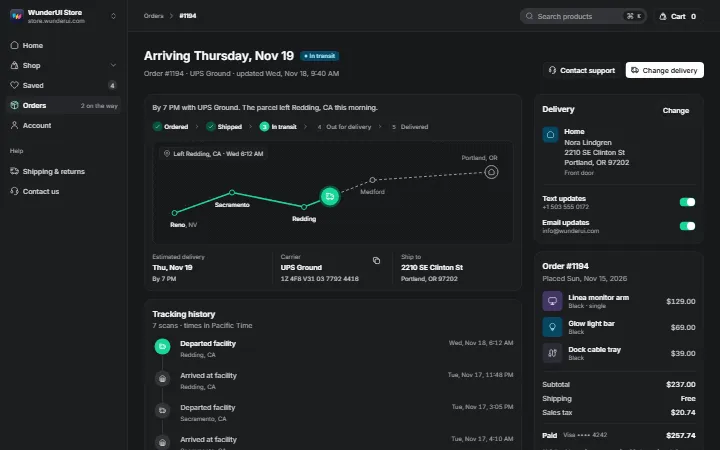
    Order trackingOrder tracking: status, route map, carrier scans and delivery changes.
  • E-commerce5 variantsPro
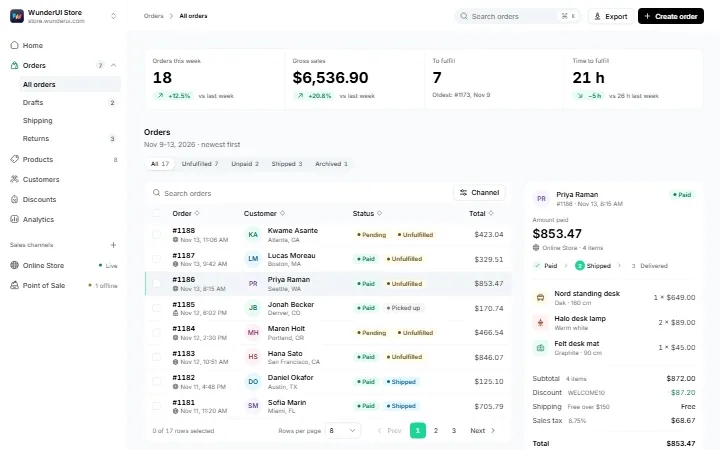
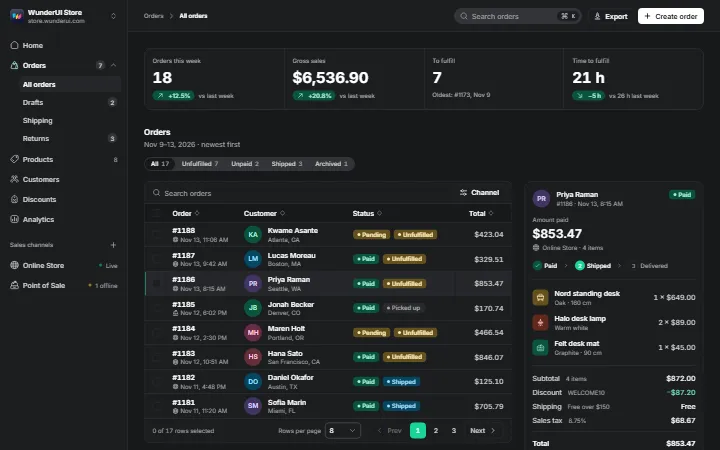
    OrdersA store's orders: list with receipt, order page, shipping desk, returns and an empty store.
  • E-commerce5 variantsPro
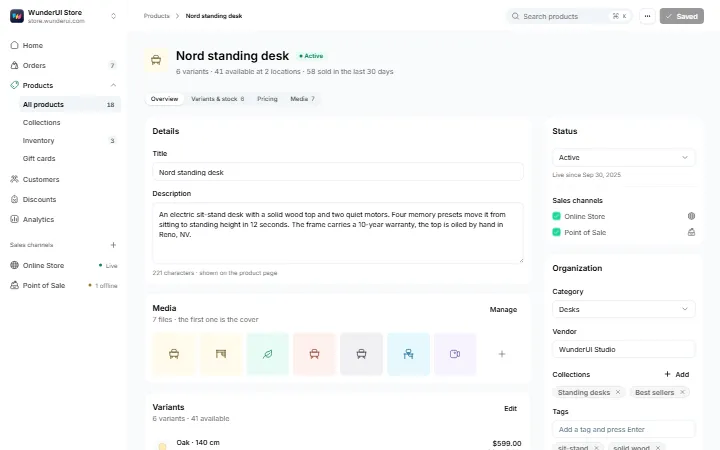
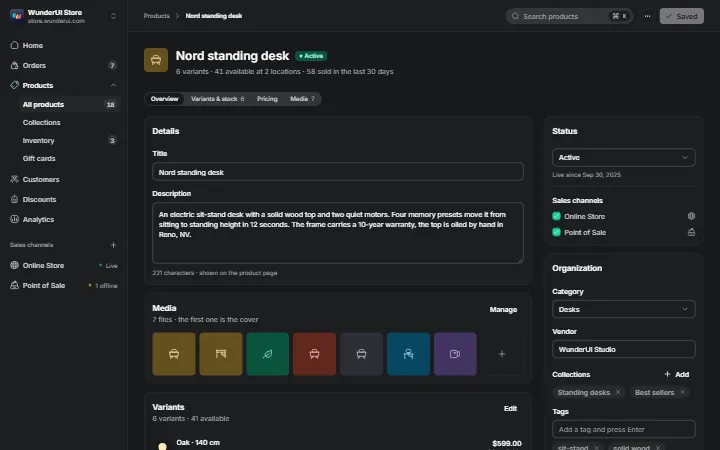
    Product detailA store's product editor: details, media, variants, pricing and a publish checklist.
  • E-commerce5 variantsPro
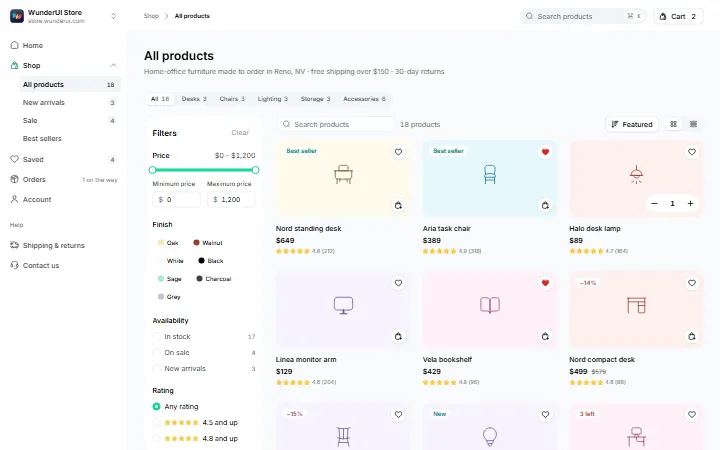
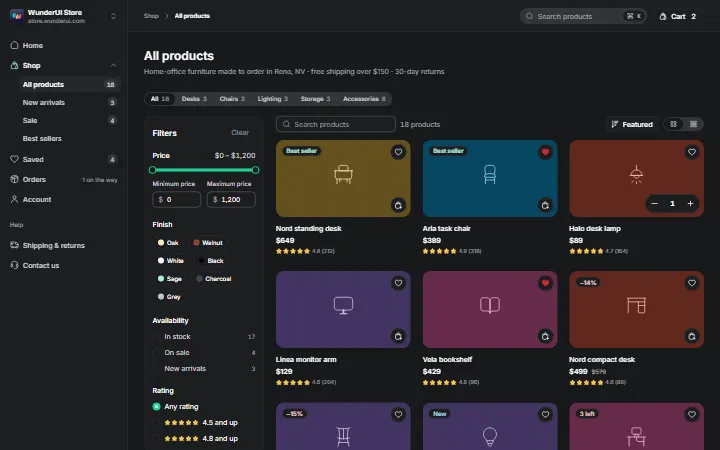
    Product gridA storefront catalogue: category tabs, filters, search, sort, quick add, cart sheet and quick view.
  • E-commerce4 variantsPro
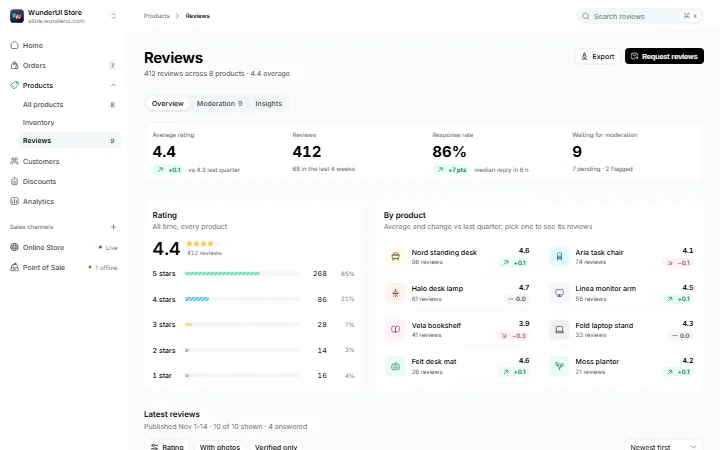
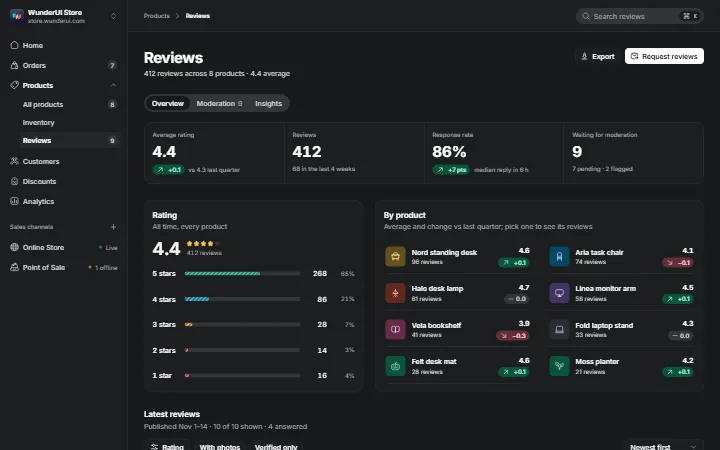
    ReviewsProduct reviews for the store admin: ratings, moderation, replies and insights.
  • AI & Chat5 variantsPro
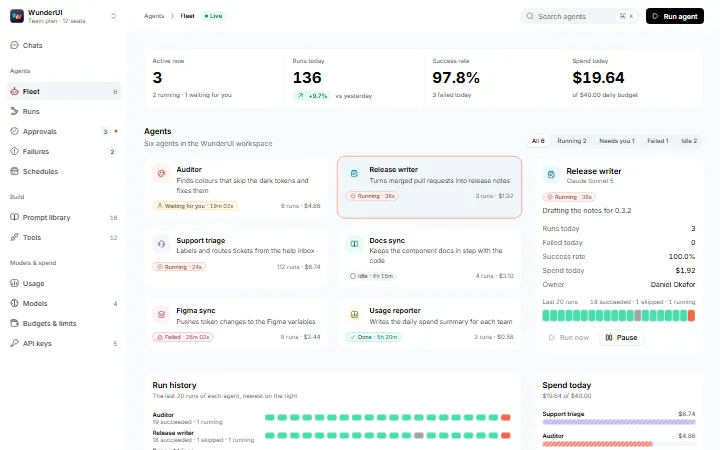
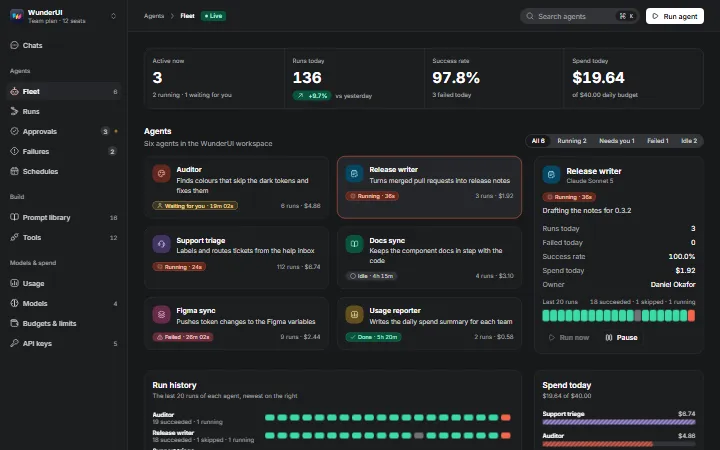
    Agent runsAgent operations: the fleet, run details, approvals, failures and schedules.
  • AI & Chat5 variantsPro
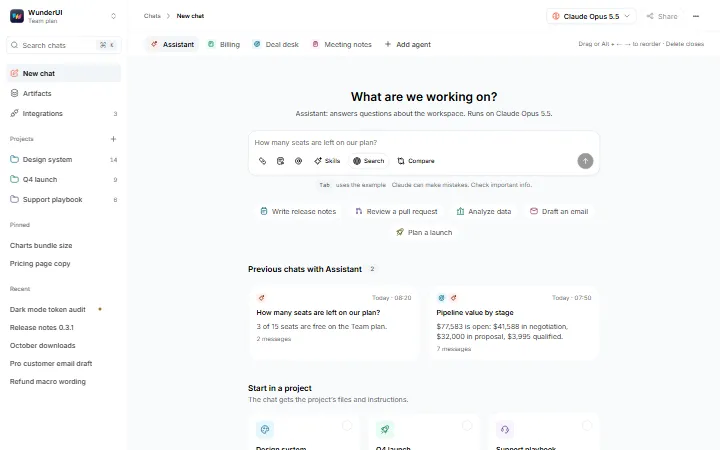
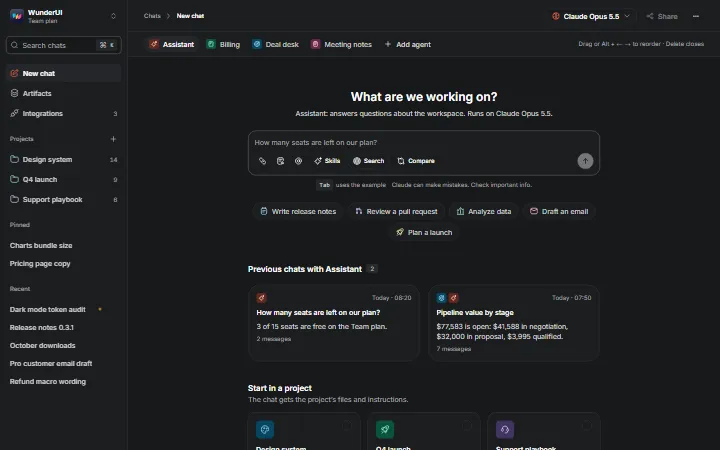
    AI chatA full-page AI chat: agent tabs, prompt box, tool calls, sources, artifacts and approvals.
  • AI & Chat5 variantsPro
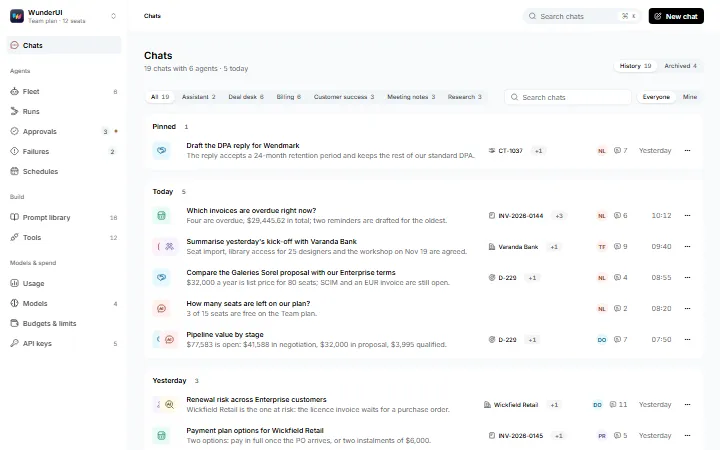
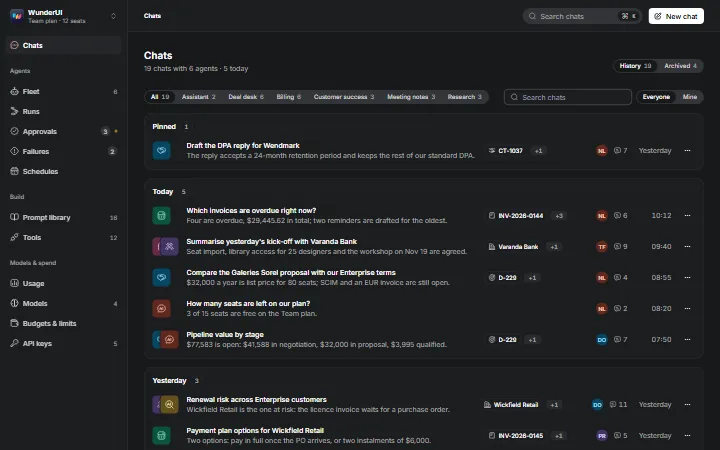
    Chat historyChat history: grouped by day, by agent, searchable, continued in place and archived.
  • AI & Chat4 variantsPro
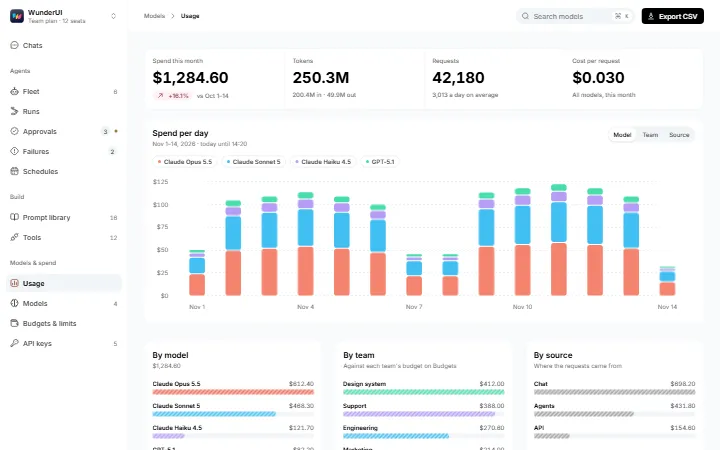
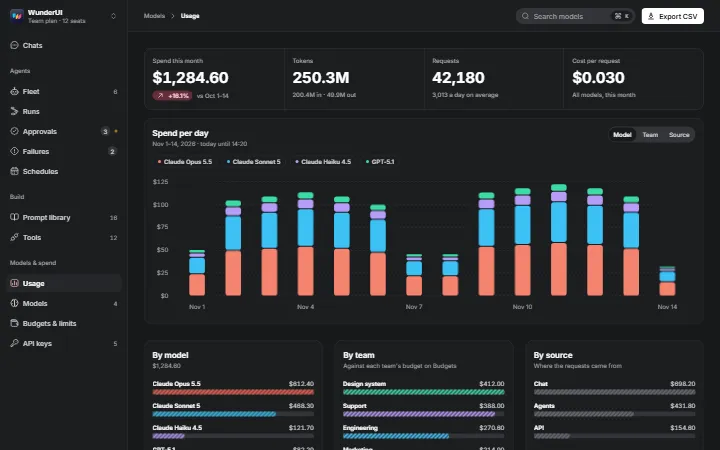
    Model usageAI spend and limits: usage by model, the model catalogue, budgets, rate limits and API keys.
  • AI & Chat4 variantsPro
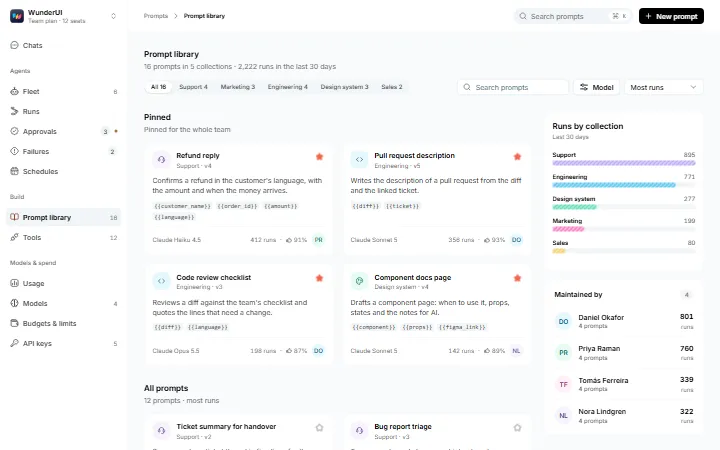
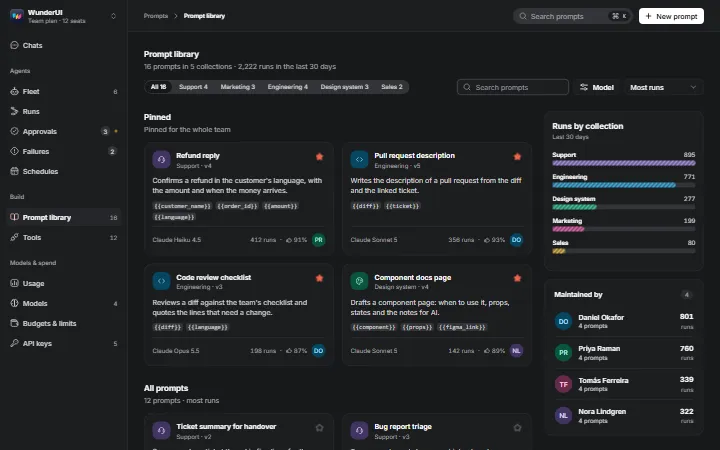
    Prompt libraryA team's shared prompts: library, editor with variables, test runs and version history.
  • Media & Content4 variantsPro
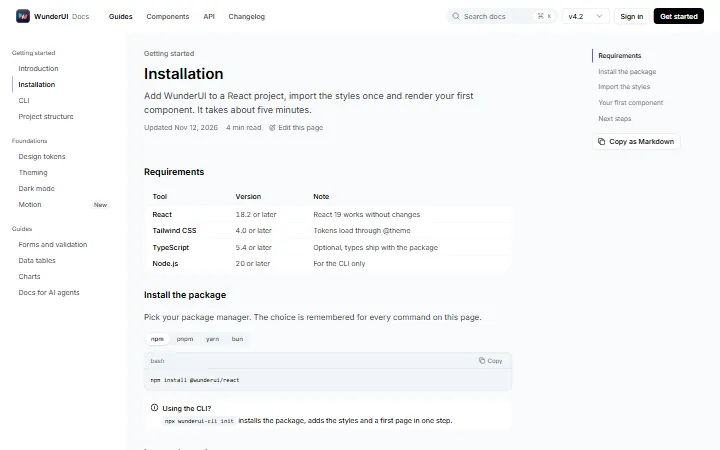
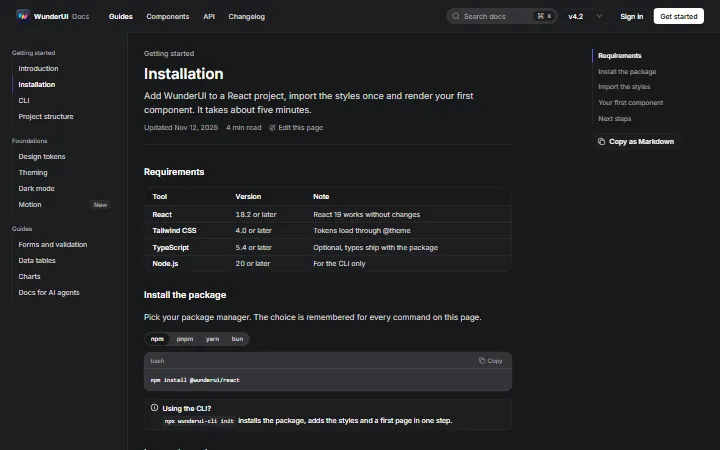
    DocumentationDeveloper docs: guide page, search, changelog and API reference.
  • Media & Content5 variantsPro
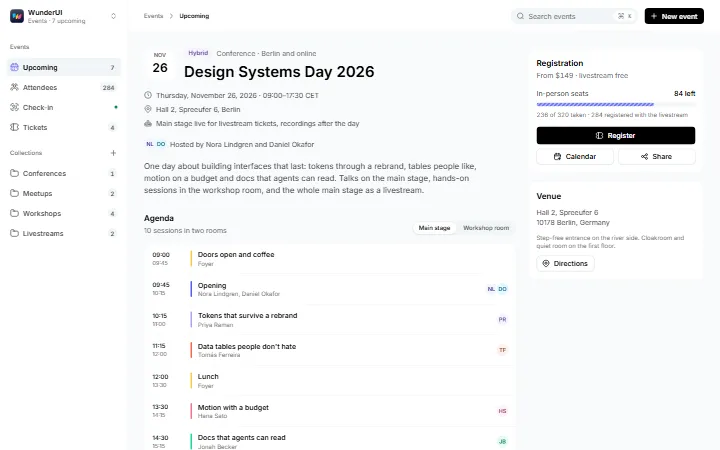
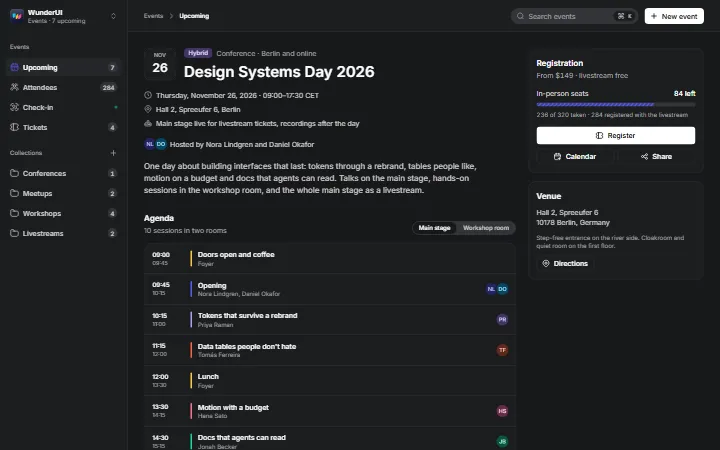
    EventsEvents end to end: event page, ticket dialog, attendees, calendar and check-in.
  • Media & Content5 variantsPro
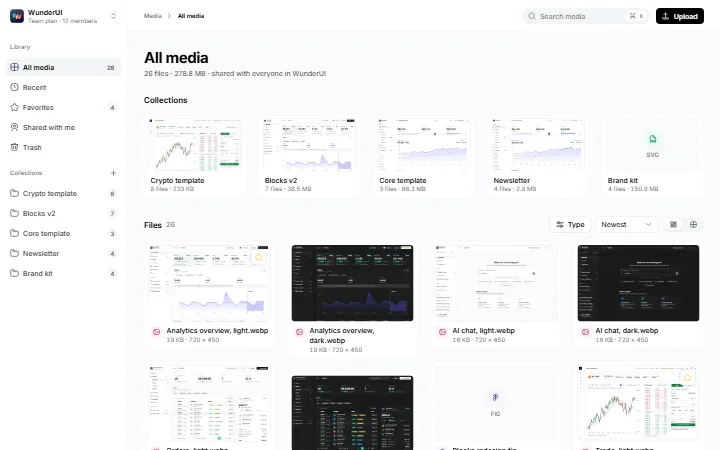
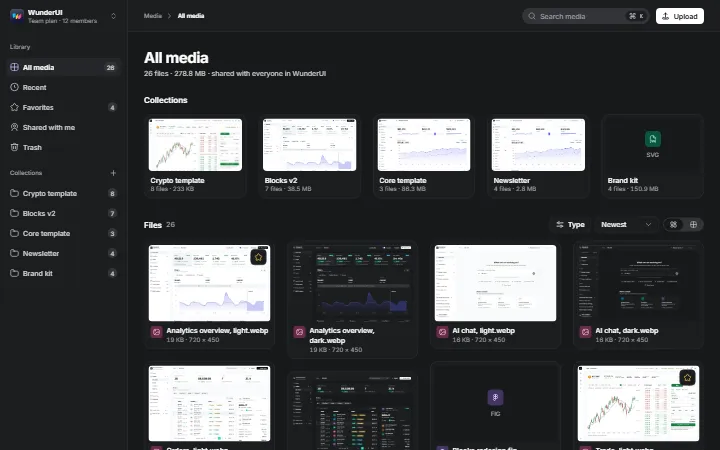
    Media libraryA media library: masonry grid, selection, file detail, upload queue and sharing.
  • Media & Content5 variantsPro
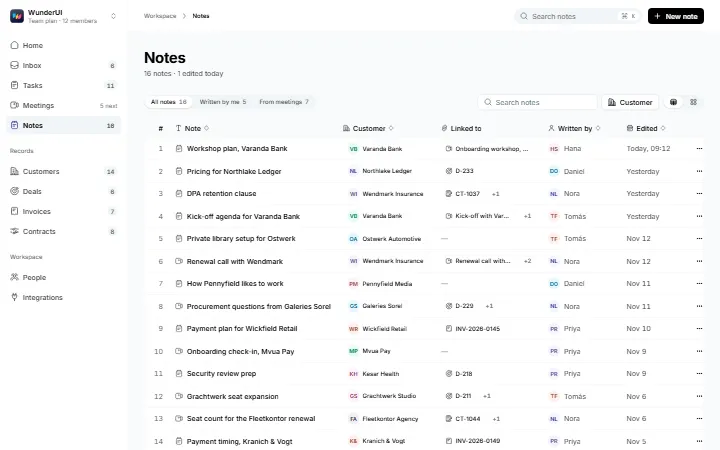
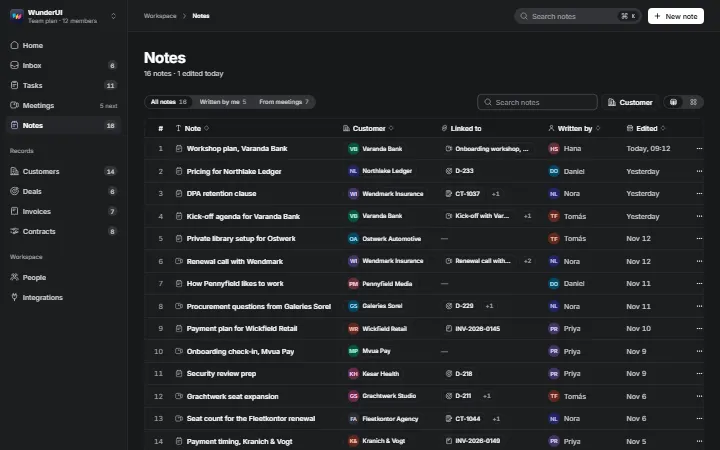
    NotesNotes linked to records: library, floating editor, meeting note, customer notes and archive.
  • Media & Content5 variantsPro
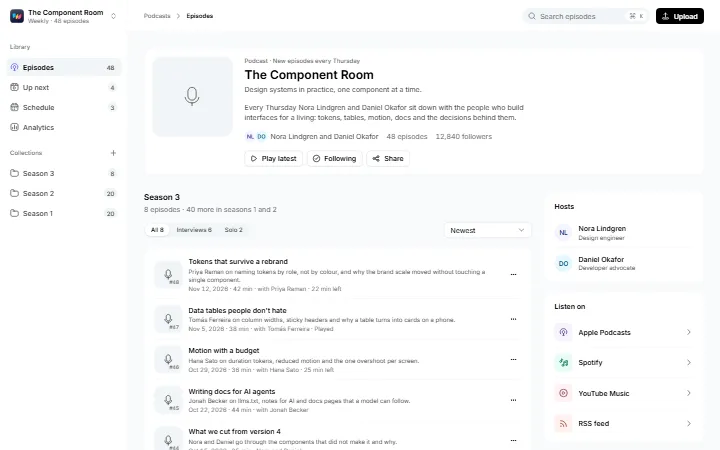
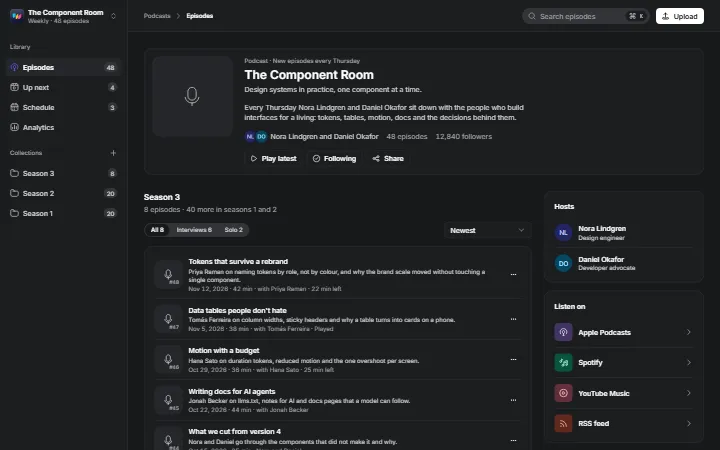
    PodcastA podcast in one area: show page, episode, mini player, analytics and release form.
  • Media & Content4 variantsPro
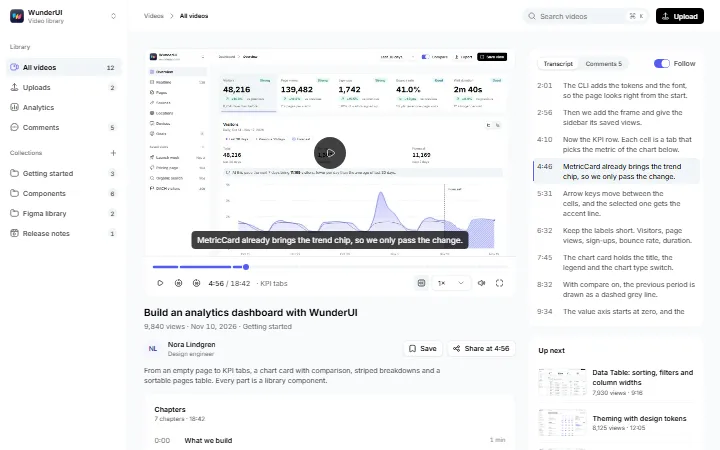
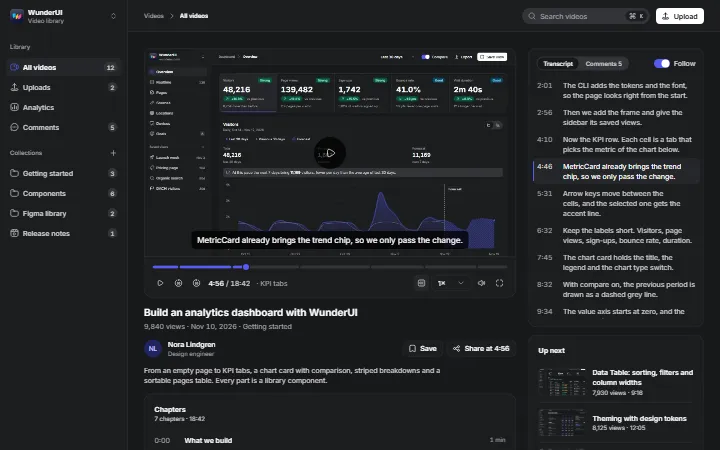
    VideoA video library: watch page, library, uploads and analytics.
  • Support & Feedback5 variantsPro
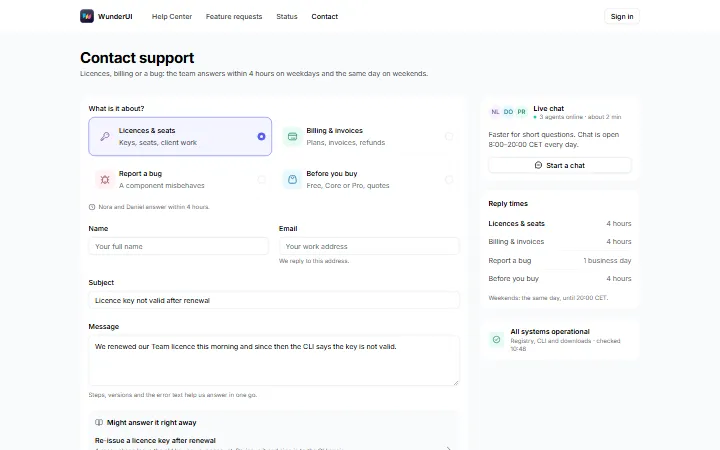
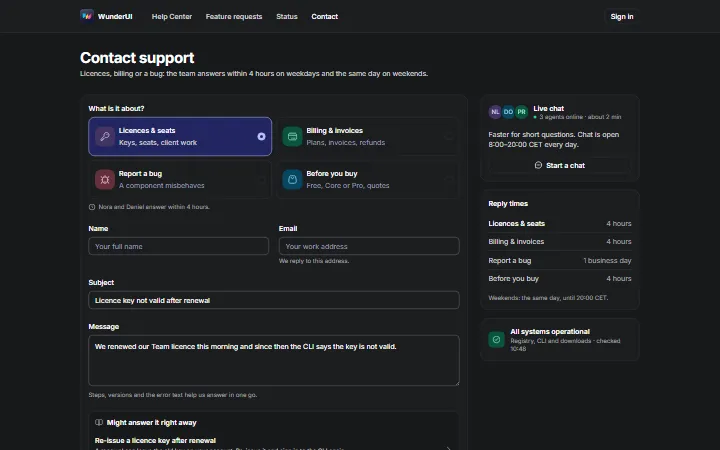
    Contact & feedbackContact and feedback: contact form, ticket confirmation, feedback widget, requests and inbox.
  • Support & Feedback5 variantsPro
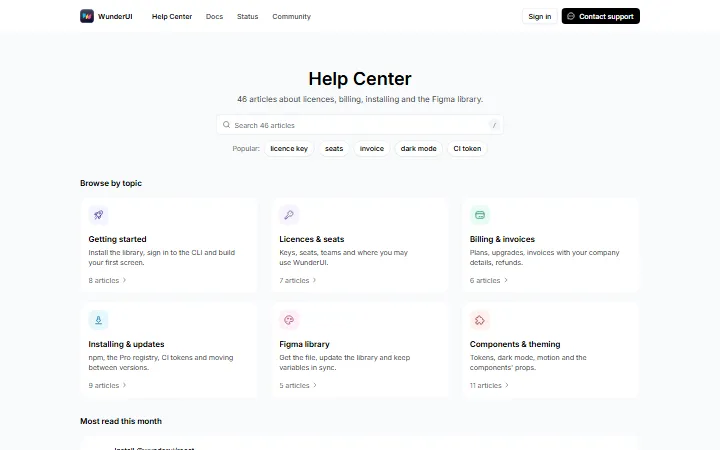
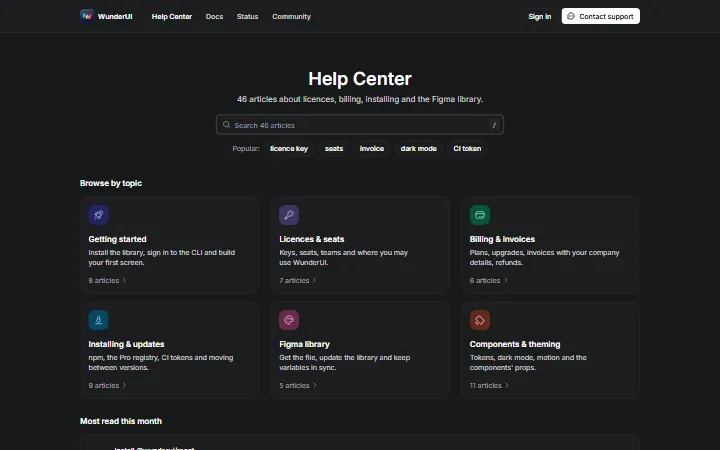
    Help centerA help center: home, topics, articles, search results and support-side stats.
  • Support & Feedback4 variantsPro
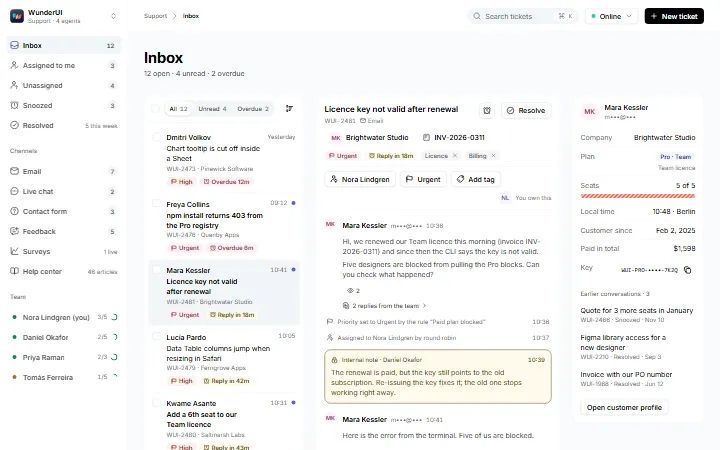
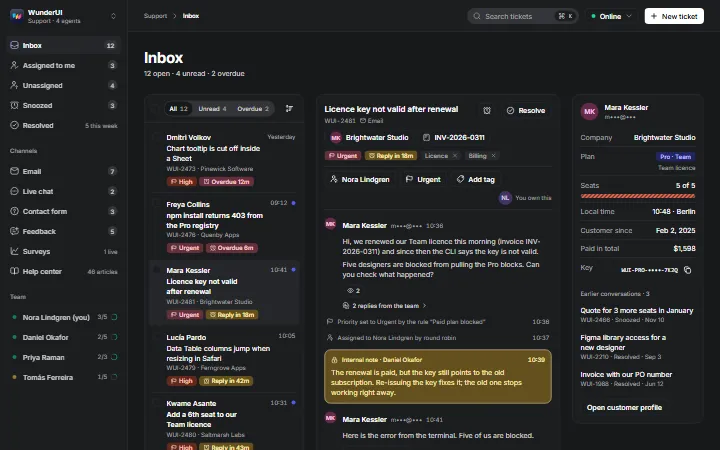
    Inbox triageA support inbox: queue with SLA, conversation, customer profile, bulk triage and macros.
  • Support & Feedback5 variantsPro
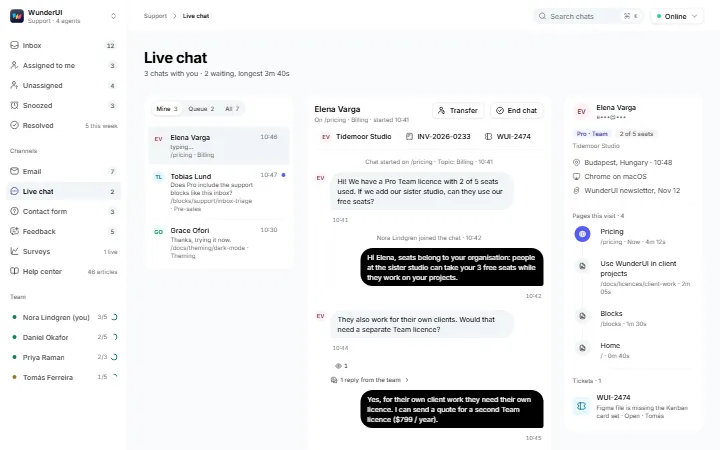
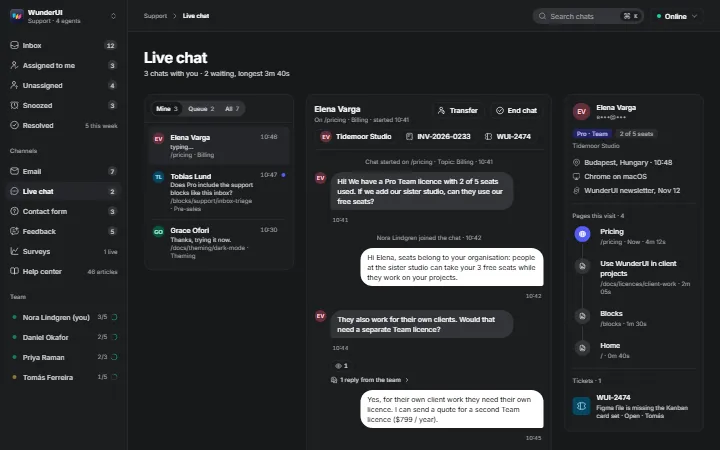
    Live chatLive chat: agent console, chat widget, pre-chat form, queue and offline form.
  • Support & Feedback5 variantsPro
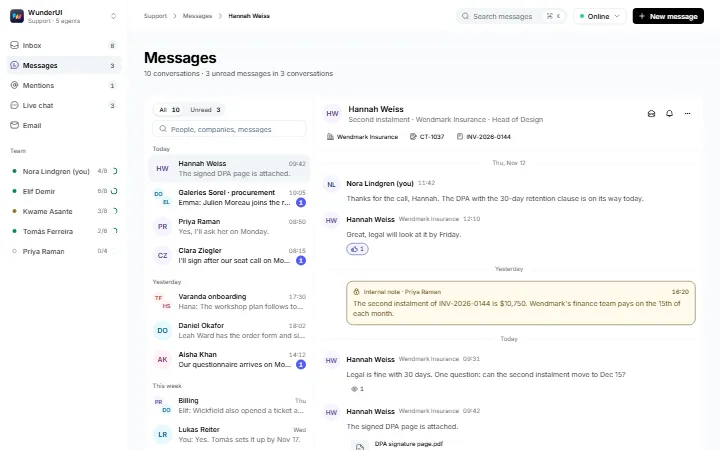
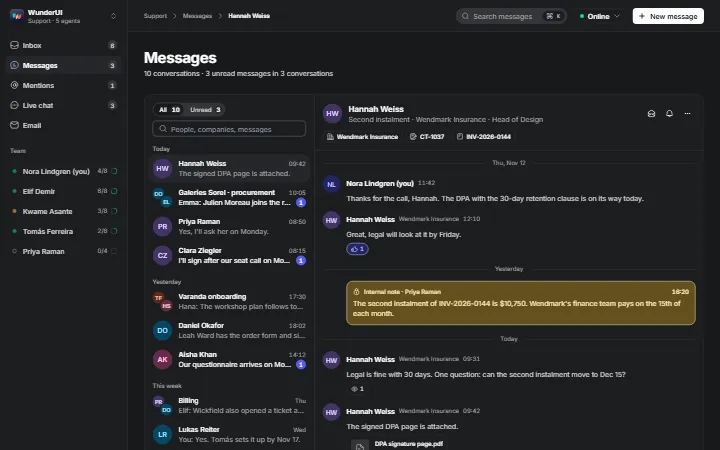
    MessagesMessages with customers and the team: inbox, thread, internal notes, quick actions and a wizard.
  • Support & Feedback5 variantsPro
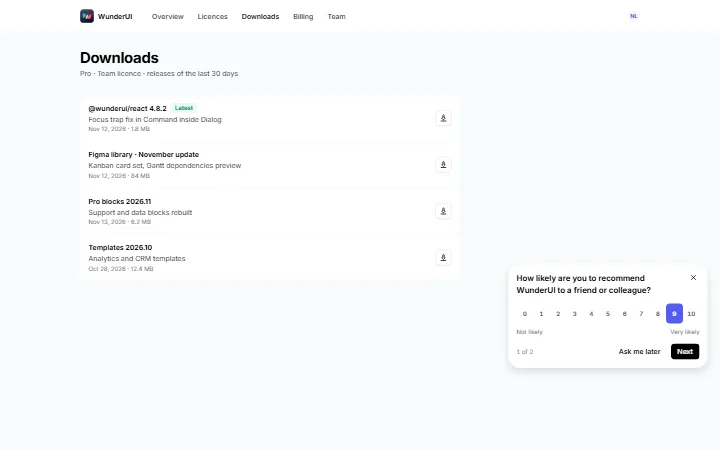
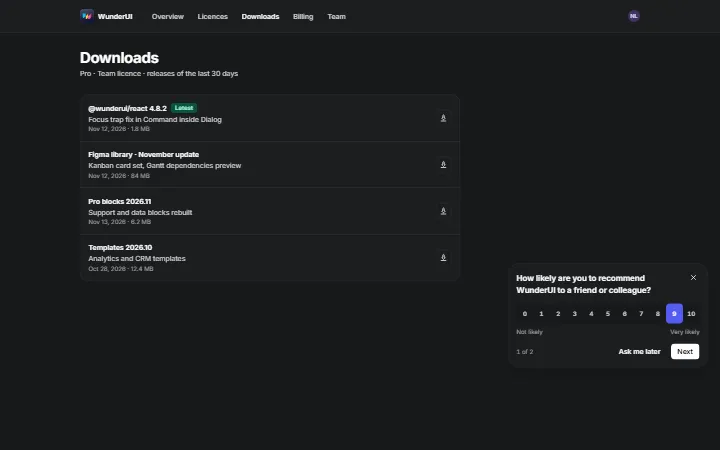
    NPS & surveysCustomer surveys: NPS card, CSAT page, NPS results, CSAT report and a survey editor.